9
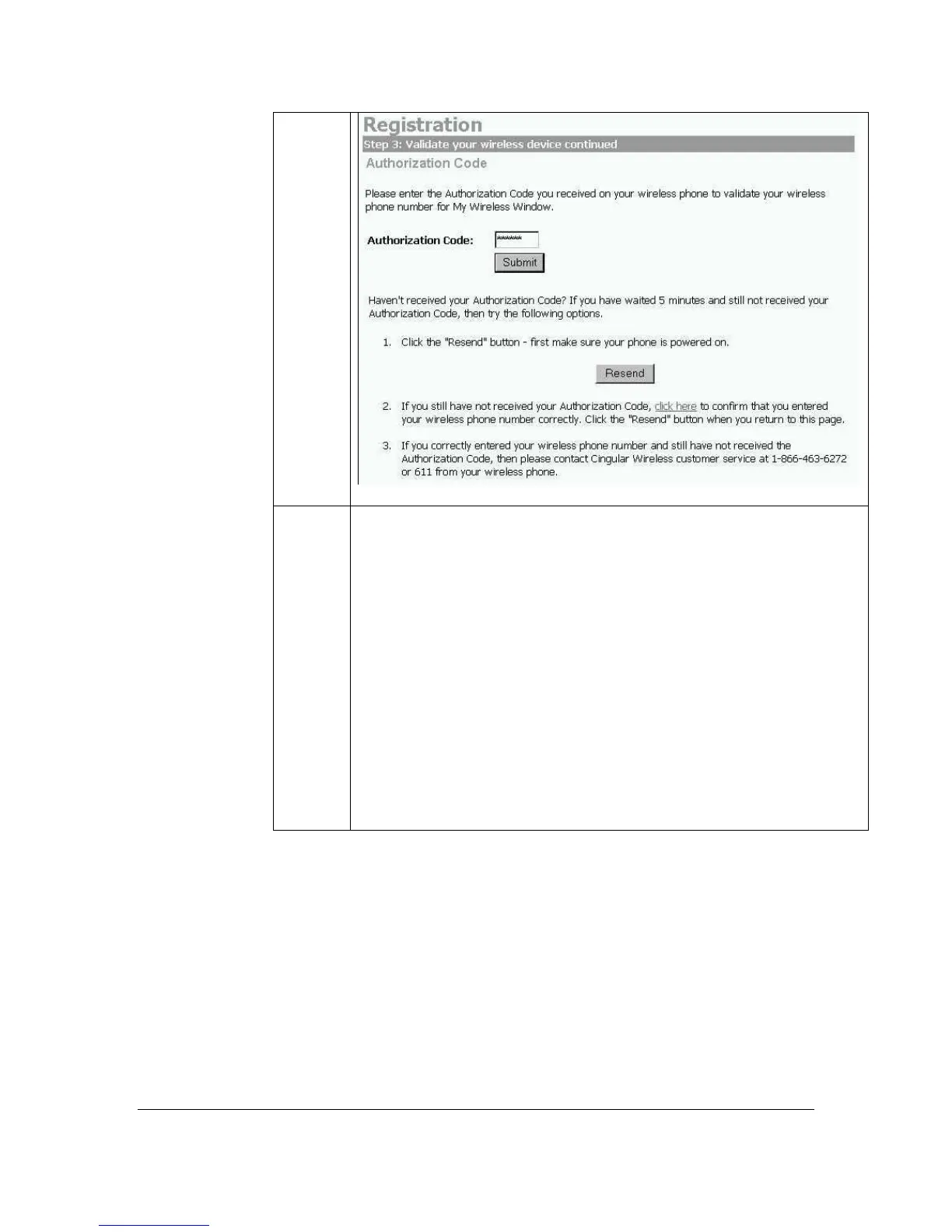
Haven’t received your Authorization Code? If you have waited 5
minutes and still not received your Authorization Code, then try
the following options.
1. Click the “Resend” button – first make sure your phone is
powered on.
2. If you still have not received your Authorization Code, press the
“click here” to link to confirm that you entered your wireless
phone number correctly. Click the “Resend” button when you
return to the “Validate your wireless device continued” page.
3. If you correctly entered your wireless phone number and still
have not received the Authorization Code, then please contact
Cingular Wireless customer service at 1-866-463-6272 or 611
from your wireless phone.
Getting Started Guide 9
For Motorola V60t



 To Next Page