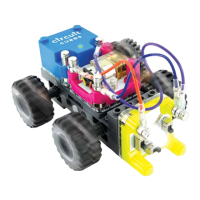
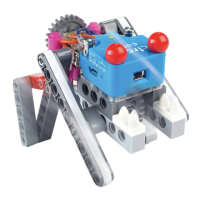
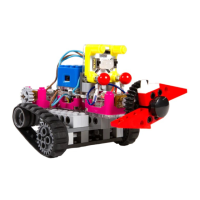
BLUETOOTH MODEBLUETOOTH MODE
Once connected [ ], you can control the three outputs
[ A | B | C ] independently with the Circuit Cubes app. Each
ouput allows you to control & power different parts of the
build. Similar to the metal posts on the Cubes, each output has
positive and negative polarity. This makes the Motor move, either
clockwise or counterclockwise.
OFF ON OFF ON
BATTERY MODE [ON]BATTERY MODE [ON]
Flip the switch to the right to use
the Bluetooth Cube as a power
source, like your Battery Cube.
BLUETOOTH MODE [BLUETOOTH MODE [
]]
Flip the switch to the left to
control your creation via the
Circuit Cube app — find it in
the Apple App Store or
Google Play Store.
PAIRINGPAIRING
A blinking blue light indicates
that the Bluetooth Cube is
pairing with your device.
When the light is solid blue
[
], it's connected.
4


 To Next Page