BATTERY MODEBATTERY MODE
Flip the switch to the right to power your creation in
standard Battery mode. A solid green light [ ] indicates
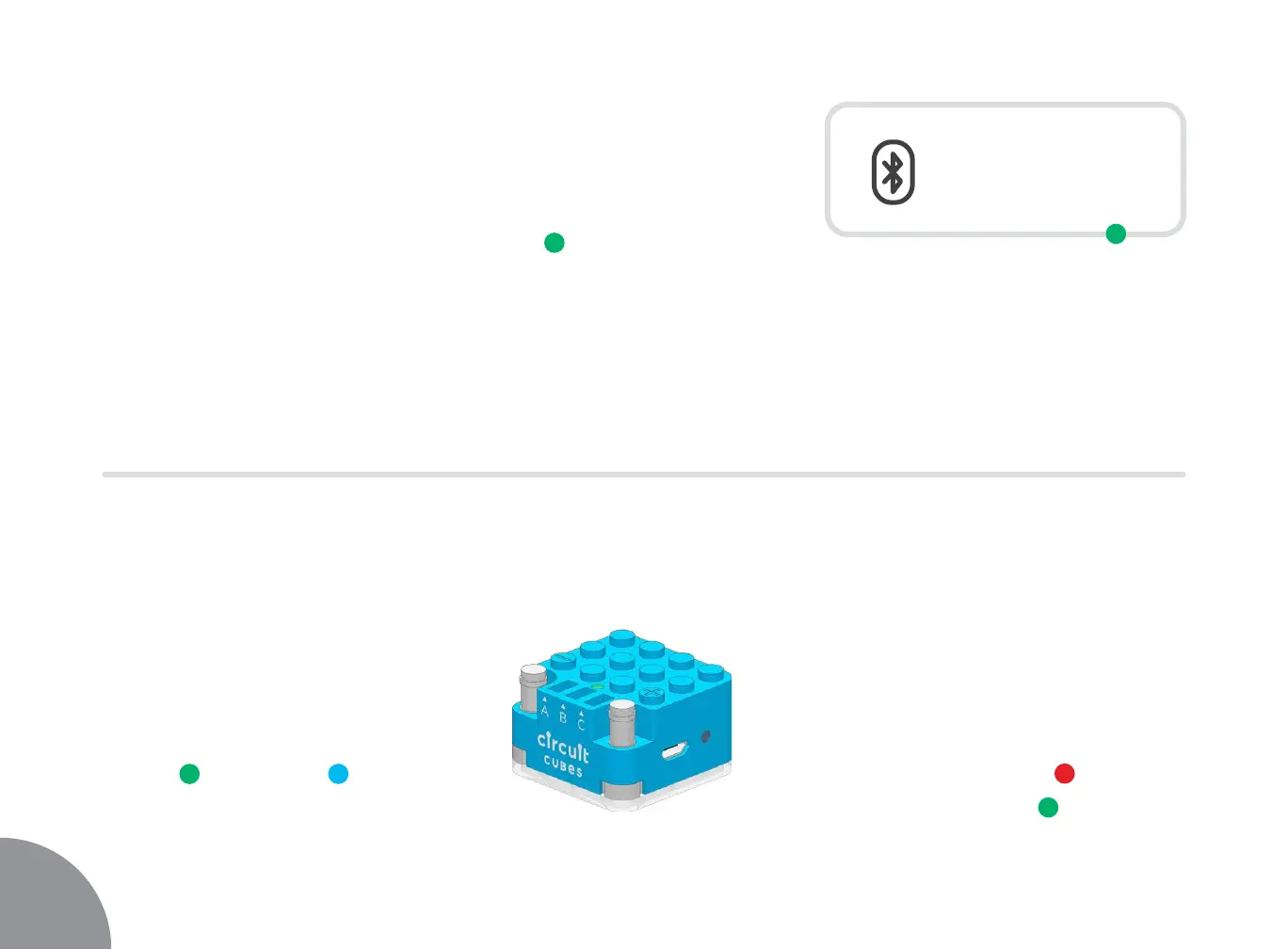
that the Bluetooth Cube is powered on. Outputs [ A | B | C ]
are on and you cannot control voltage.
CHARGINGCHARGING
To charge your Bluetooth Cube,
plug the provided USB cable into
the charging port on the side, and
connect it to a standard USB port.
The LED will turn red [
] while
charging and green [ ] when
charging is complete.
OFF ON OFF ON
PROTECT YOUR BATTERYPROTECT YOUR BATTERY
Your Bluetooth Cube has short
circuit protection for when you
cause a shortage. Power will be
disabled and the top LED will flash
green [ ] and blue [ ]. You
will hear a beeping sound until
the short is removed.
6


 To Next Page