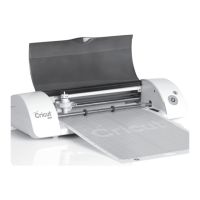
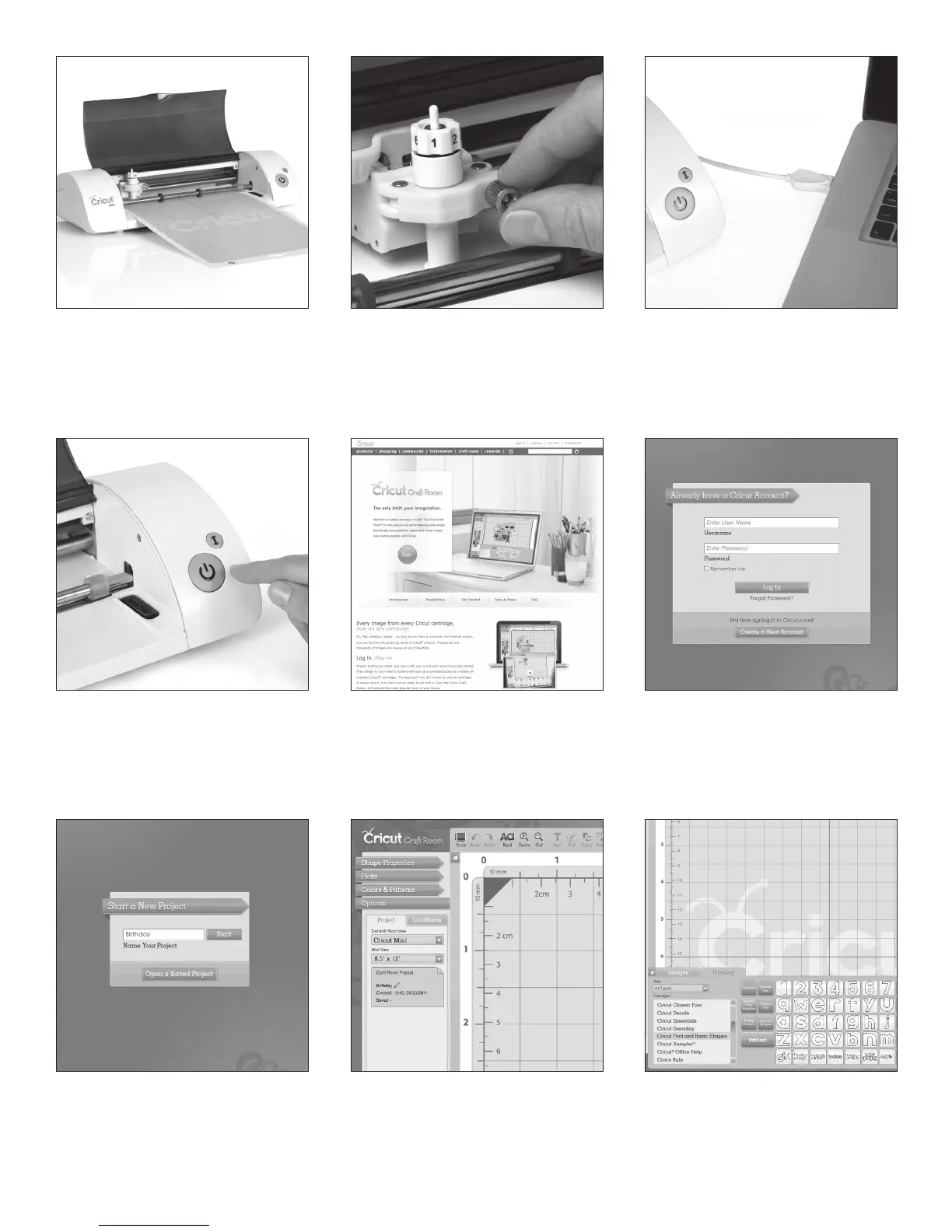
Open the machine and remove all
cardboard shipping inserts.
Remove the blade assembly from its pack-
aging. Loosen the screw on the cradle just
enough so the screw can be swung to the
right. Insert the blade assembly, close the
cradle, and tighten the screw.
Plug the power cord into the back of the
machine and then into an electrical outlet.
Connect the USB cable to your machine and
your computer.
Push the Power On/Off button to turn on
the machine.
On your computer, log on to
www.cricut.com/craftroom to download
and install the Cricut Craft Room
™
Application.
Open the Cricut Craft Room application
and log in with your Cricut.com account user
ID and password. If you do not currently have
a Cricut.com account, select Create a New
Account and follow the on-screen instructions.
Select New, name your project, and
click Start.
On the left side of the screen, select the
Options menu. In the Project tab, make
sure that Cricut Mini is selected as your
default machine.
Set the filter on the Overlay tab to All
Types. Choose Cricut Font and Basic Shapes*
from the cartridge list. Drag and drop
an image displayed on the right to the
mat above.
* In order to cut the images from this cartridge, go to
www.cricut.com/cricutmini to unlock the content.
Q W
E
R T Y
U I O


 To Next Page
 Loading...