72
SEMI AUTO MODE
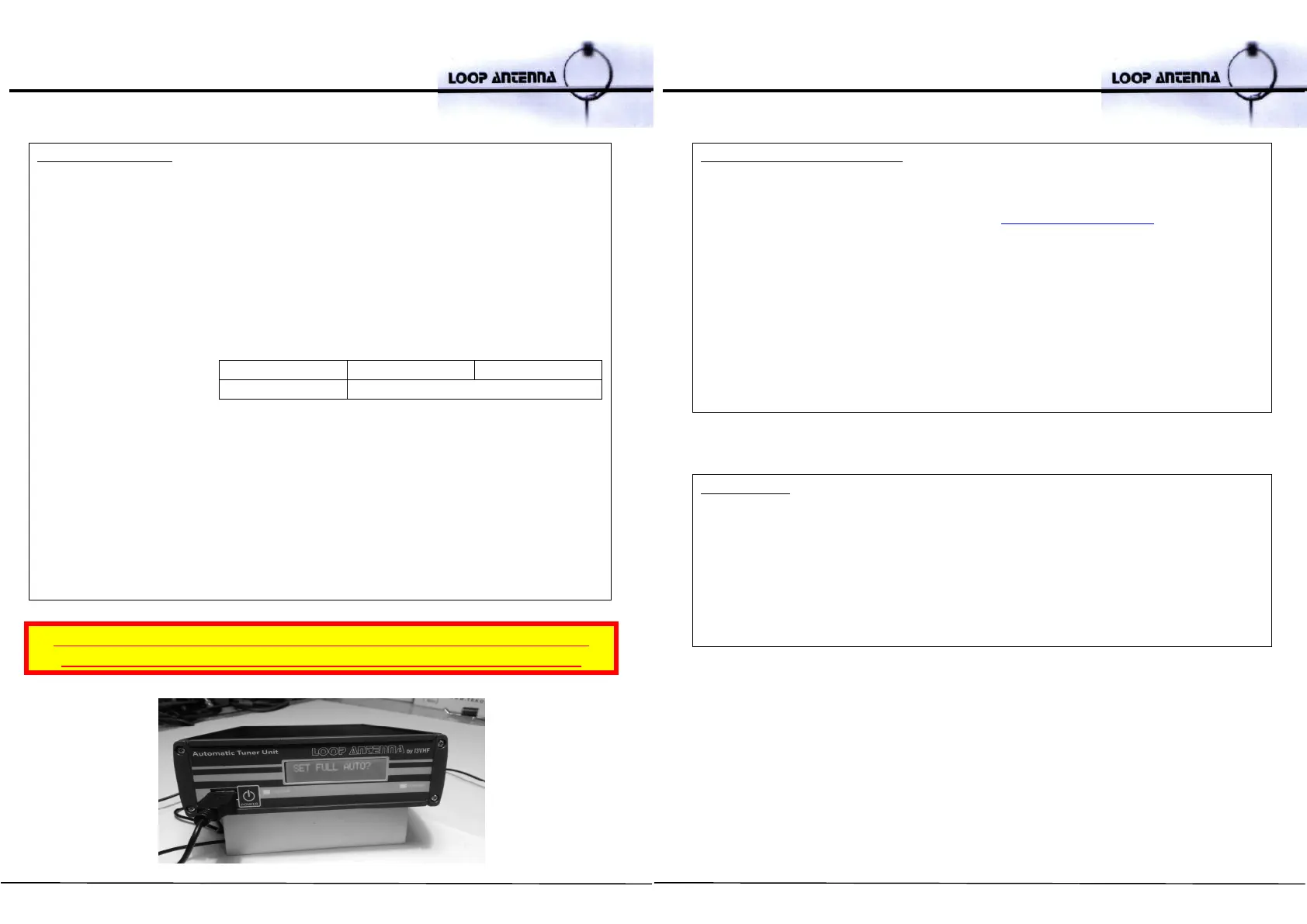
- Press the – key for 3 seconds
- Scroll through the options using the button + then, choose SET SEMI AUTO?
and press ENTER
- Scroll through the menu with + button:
- ICOM MODE
- the ATU automatically scans to detect the address of the ICOM transceiver connected (ref.
to CT17 manual). When the scan is complete, the ID is displayed on the device detected
and will ask the operator to confirm the setting. You can cancel scanning at any time by
time by pressing the DELETE key or the BACKSPACE key.
- CAT MODE
- CAT YAESU CT-62 - YAESU 8 pin data port (eg. FT-817/ 857 / 897)
- DISABLED - to exit SEMI AUTO MODE
- Press ENTER to confirm
- When you set the ATU in SEMI AUTO MODE, the red LED starts blinking once
the transceiver has been tuned and the frequency remains unchanged for at
least one second.
- Press ENTER to start the auto tuning.
- In this mode, automatic re-calibration starts only when you press the ENTER
key.
FLEX Radio ELAD Duo ELECRAFT
KENWOOD YAESU (RS232 data port)
WARNING! NEVER TRANSMIT WHEN THE ATU IS TUNING (RED LED ON)!
THERE IS RISK OF BLOWING OR BURNING OUT THE ATU RF AMPLIFIER
73
UPDATING THE FIRMWARE
• Disconnect the power connector and the keypad on the device
• Save the cml_XXX.tes file (available on the www.ciromazzoni.com download
page) onto an empty USB drive (2/4/8 GB recommended)
• Insert the drive into the USB port on the front panel
• Switch on the device
• After a few seconds, the display will start flashing, showing the progress of the
update. This will last about a minute
• After the update, you will see the message: UPGRADE OK, REMOVE USB
MEDIA. Remove the USB drive
• The upgraded system will boot and you can reconnect the keypad
REMEMBER:
If you have two antennas in close proximity and both are set at a similar
frequency, there is a risk of blowing or burning out your shack equipments.
When operating with any other HF antennas, to protect your ATU 2.0, we
recommend short-circuiting its output antenna connector to the LOOP in
order to prevent any R.F. feedback.


 To Next Page
 Loading...