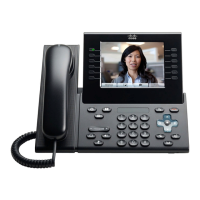
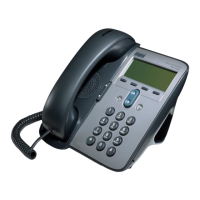
The Cisco Unified IP Phone 9971 will be able to receive up to VGA video depending on the remote device’s capabilities, where
the region settings configuration is factored in.
Configuring Video and Camera Capabilities
In order for the Cisco Unified IP Phone 9951 or 9971 to send and receive video, that capability must be enabled in the Cisco
Unified Communications Manager.
Set the Video Capabilities option to Enabled in the phone’s configuration within the Product Specific Configuration Layout
section.
In order for the Cisco Unified IP Phone 9951 or 9971 to utilize the USB camera, it must be enabled in the Cisco Unified
Communications Manager version 8.0.
Set the Cisco Camera option to Enabled in the phone’s configuration within the Product Specific Configuration Layout
section.


 To Next Page
 Loading...