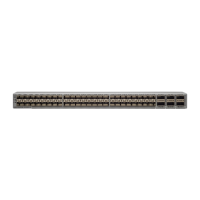
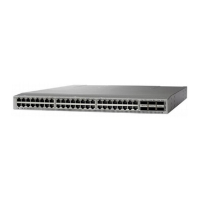
Front-mount brackets.3Align the two rear rack-mount bracket guides with
the slider rails installed in the rack.
1
Mounting rails on rack or cabinet posts.4Slide the rack-mount guides onto the slider rails until
the front rack-mount brackets come in contact with
the front rack-mount rails.
2
b) Align the two rear rack-mount guides on either side of the switch with the slider rails installed in the rack. Slide the
rack-mount guides onto the slider rails, and then gently slide the switch all the way into the rack until the front
rack-mount brackets come in contact with two rack or cabinet posts.
c) Holding the chassis level, insert two screws (12-24 or 10-32, depending on the rack type) in each of the two front
rack-mount brackets (using a total of four screws) and into the cage nuts or threaded holes in the vertical rack-mounting
rails (see the following figure).
Cisco Nexus 93180YC-FX3 ACI-Mode Switch Hardware Installation Guide
25
Installing the Switch Chassis
Installing the Switch Using the N3K-C3064-ACC-KIT Rack-Mount Kit



 To Next Page
 Loading...