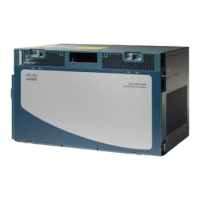
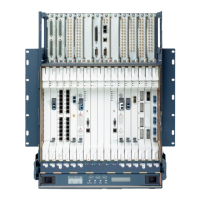
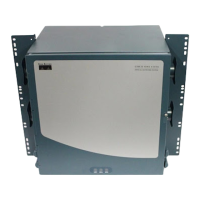
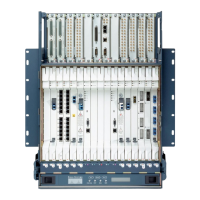
Figure 305: Fan-Tray Extracted
Step 6 Slide the new fan-tray into the shelf assembly until the electrical plug at the rear of the tray plugs into the
corresponding receptacle on the backplane.
Step 7 To verify that the tray has plugged into the backplane, ensure that the LED on the front of the fan-tray is
activated.
If you removed the door, complete the NTP-G258 Install the Standard Door of the ONS 15454 M6 Shelf , on
page 323 .
Stop. You have completed this procedure.
NTP-G117 Replace the ANSI Shelf Alarm Interface Panel
This procedure replaces the AIP on the ONS 15454 ANSI shelf assembly.Purpose
#2 Phillips screwdriverTools/Equipment
NonePrerequisite Procedures
As neededRequired/As Needed
Onsite or remoteOnsite/Remote
Provisioning or higherSecurity Level
Cisco ONS 15454 Hardware Installation Guide
460
Maintaining the ONS 15454 M12 (ANSI and ETSI), ONS 15454 M2 and ONS 15454 M6 Shelf
NTP-G117 Replace the ANSI Shelf Alarm Interface Panel


 To Next Page
 Loading...