10
top page (when book flips open) bound edge
T-TIMER settings for facial cleansing are indicated audibly. To change the setting, press and hold
the ‘speed up’ button (2 minute cycle) or ‘speed down’ button (1 minute cycle) when the Aria is
completely turned off (not in pause mode).
T-TIMER settings for facial cleansing
Audible indication Cleansing duration T-TIMER beeps
2 beeps 2 minutes at 40, 80, 100 seconds
1 beep 1 minute (factory default setting) at 20, 40, 50 seconds
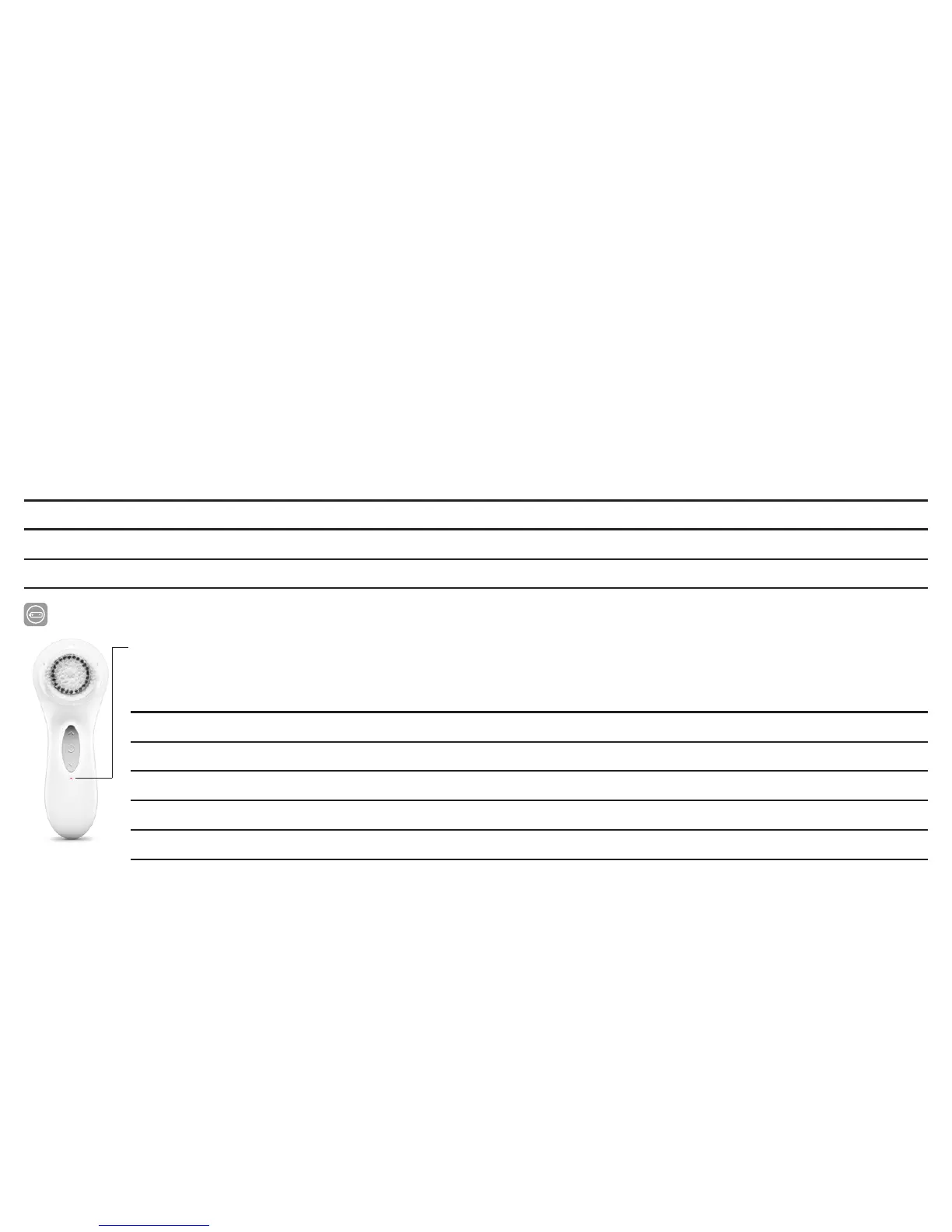
BATTERY LIFE INDICATOR
During the battery life cycle, the color of the battery life indicator shows the amount of
charge available.
Indicator color Battery life level
White Full
Yellow Medium
Red Low
Flashing Red + flashing bezel Almost Empty
Flashing Red + flashing bezel + 3 beeps Empty












 To Next Page