4
EN
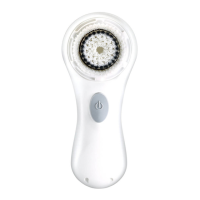
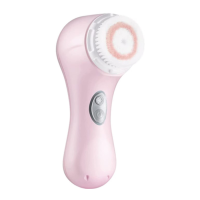
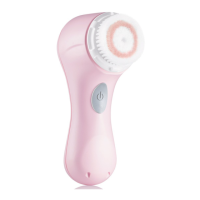
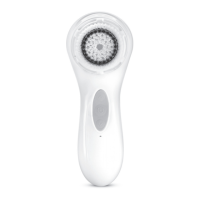
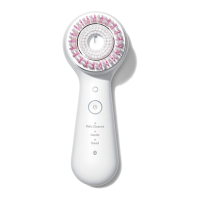
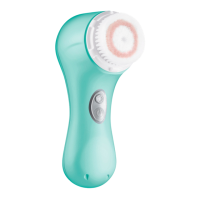
INSTRUCTIONS FOR THE USE OF CLARISONIC MIA 2 AND CLEANSER
Prior to the first use, charge the Clarisonic handle for 24 hours.
• Remove eye makeup by hand.
• Apply cleanser directly to moistened skin or to a damp brush head.
• Push the on/off button to turn on your sonic cleansing system.
• Select desired speed.
• Follow T-TIMER prompts while gently moving brush head in small
circular motions.
• The Clarisonic will automatically shut off after the cleansing cycle.
• Rinse skin thoroughly to remove excess cleanser.
The Clarisonic handle is waterproof for use in the shower or bathtub. Refer
to Important Safeguards (on pg. 2) regarding the charger.
NOTE: Keep brush head flush to the skin. Pressing too hard will impede the
motion and reduce effectiveness.
REPLACING THE CLARISONIC BRUSH HEAD
• To remove the brush head: 1) Grip the brush head firmly, then push and
twist it counter-clockwise; 2) Pull the head away from the handle
• To attach the brush head: Push down and twist the head clockwise until
it snaps into place. Be sure you hear a tight snap.
Tip: Use the brush head cap to easily remove and attach the brush head
with a simple twist.
Interchangeable Brush Heads
We make a variety of interchangeable brush heads, uniquely designed
and engineered for specific skin types or conditions. For more information
visit our website.
FEATURES OF YOUR MIA 2
2 SPEED SETTINGS FOR FACIAL CLEANSING
Speed is indicated visually. To change speeds, press the speed button while
the Clarisonic Mia 2 is on. The factory setting is low speed.
Speed Visible indication
Normal Upper LED light on
Low Lower LED light on


 To Next Page