bound edge
bottom page (when book flips open)
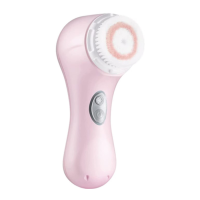
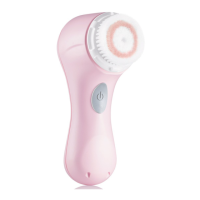
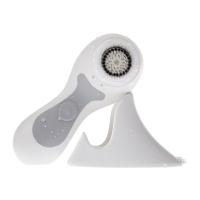
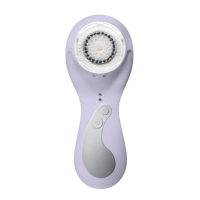
REPLACING THE CLARISONIC BRUSH HEAD
• To remove the brush head: 1) Grip the brush head firmly, then push and twist it counter-clockwise;
2) Pull the head away from the handle
• To attach the brush head: Push down and twist the head clockwise until it snaps into place. Be sure
you hear a tight snap.
Tip: Use the brush head cap to easily remove and attach the brush head with a simple twist.
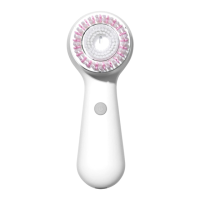
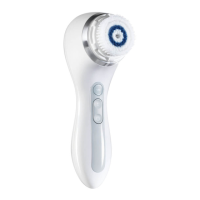
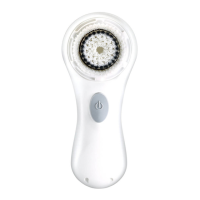
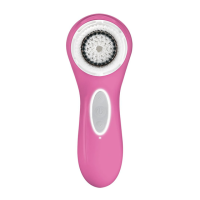
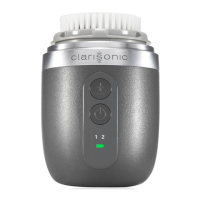
We make a variety of interchangeable brush heads, uniquely designed and engineered for specific
skin types or conditions. For more information visit our website.


 To Next Page