top page (when book flips open)
EN
push
down
1
pull
away
2
…
a
n
d
t
w
i
s
t
BRUSH HEADS
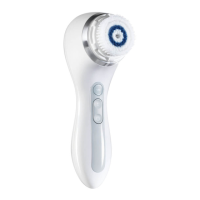
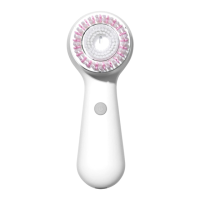
The Smart Prole device is compatible with all Clarisonic brush heads.
We make a variety of interchangeable brush heads, uniquely designed
and engineered for specic skin types or conditions. For more information
visit our website.
CHANGING/REPLACING THE CLARISONIC BRUSH HEAD
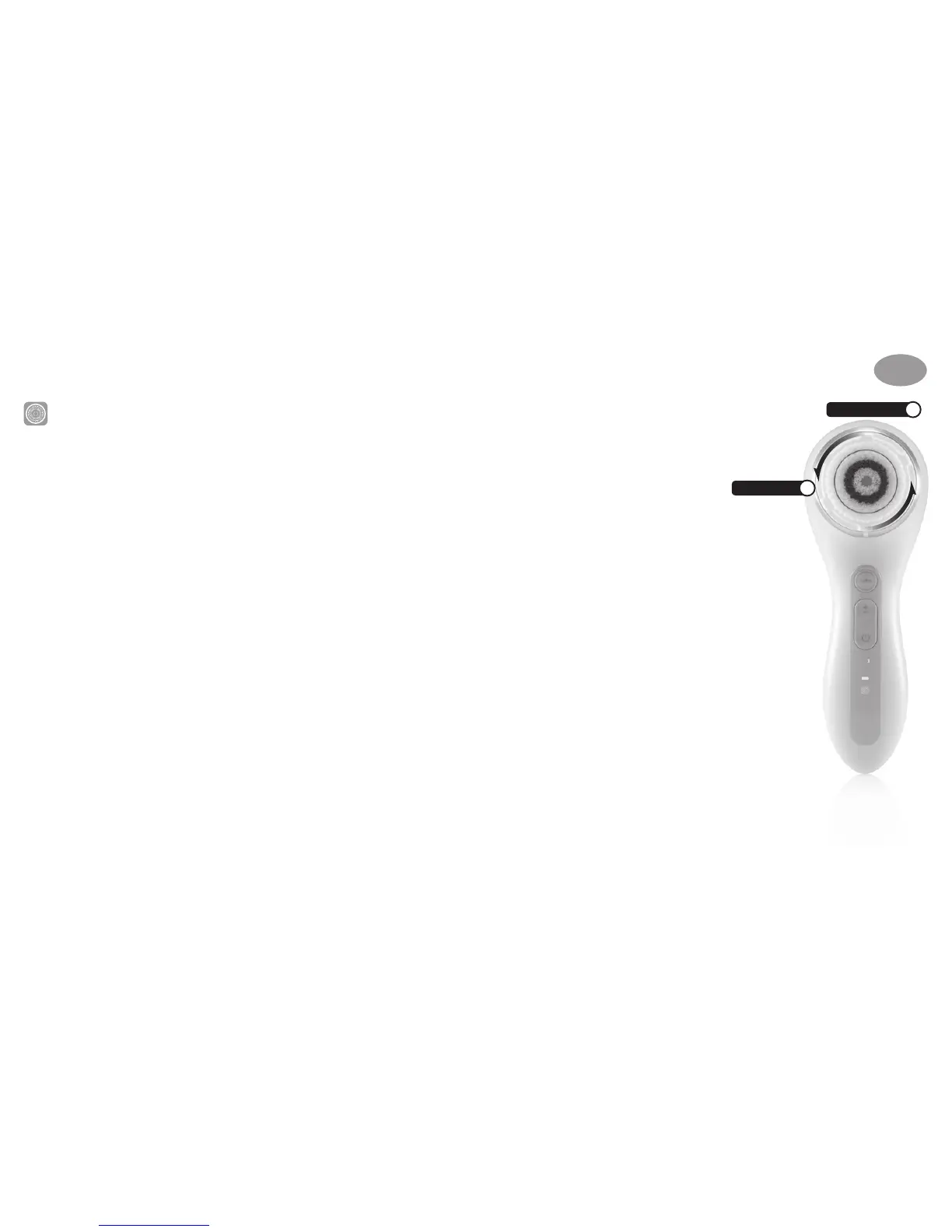
• To remove the brush head: 1) Grip the brush head rmly, then push down
and twist it anti-clockwise; 2) Pull the head away from the handle.
• To attach the brush head: Push down and twist the brush head clockwise
until it snaps into place. Be sure you hear a tight snap.
TIP: Use the brush head cap to easily remove and attach the brush
head with a simple twist.
BRUSH HEAD REPLACEMENT NOTIFICATION
Smart Prole has been designed with a replace brush head icon that will illuminate
when an attached Smart Brush Head has reached its maximum recommended use.
Usage is based on total minutes of use on that particular brush head.
NOTE: The replace brush indicator does not activate when using standard brush heads. If using
a standard brush head we recommend replacing the brush head every 3 months as the bristles
become fatigued and less effective over time.


 To Next Page