40
OPERATION
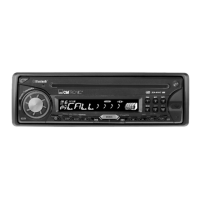
M1, M2, M3 button on the front panel
of the unit serves as
PAUSE/PLAY/STOP control button. (It
is up to the mobile phone, the different
mobile phone has the different define.)
Use / button (1) on the front panel
of the unit to choose the previous/next
track. (It is up to the mobile phone, the
different mobile phone has the different
define.)
Note: when playing music, you can not
make any phone call.


 To Next Page