5
3.3. Usage
CA BASIC 2000 DUAL FLOW
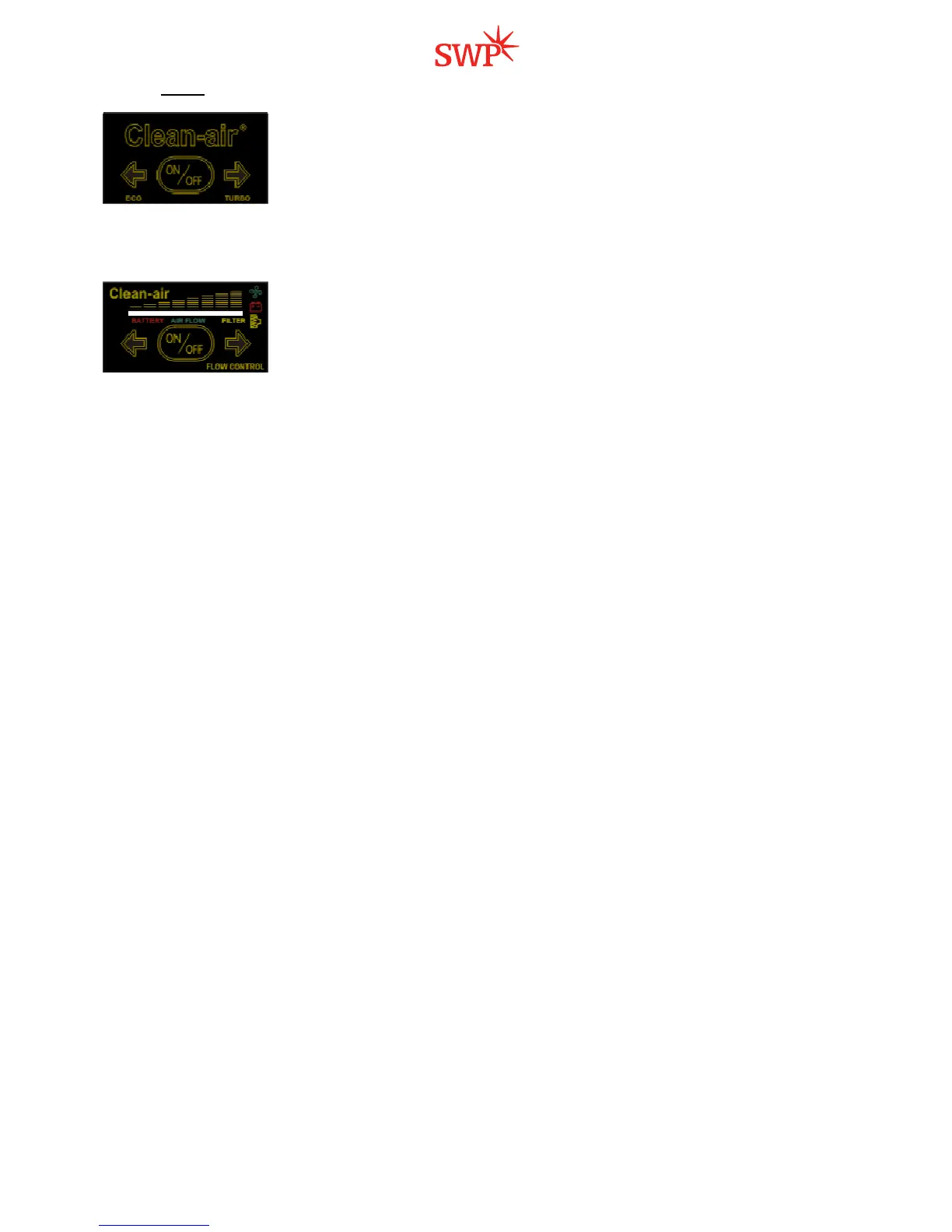
Switch on the unit by pressing the ON/OFF button on the control panel. There are
two arrow-buttons on the switch board: ECO / TURBO. By using the two arrow-
buttons it is possible to set the airflow at a lower level (ECO) or at a higher level
(TURBO). The TURBO mode makes protection more efficient then the ECO mode,
however in cold environment the higher airflow could be uncomfortable.
With a new clean filter
and a fully charged battery the unit supplies aprox. 160l/min at ECO and aprox. 210 l/min
at TURBO modes. The supply of air slowly decreases by filter clogging. In order to assure that the airflow level is
sufficient, perform the Air Flow Test regularly – chapt. 4..2.
CA BASIC 2000 FLOW CONTROL
Switch on the unit by pressing the ON/OFF button on the control panel. The airflow
can be adjusted by two arrow-buttons from 140 l/min up to 210 l/min. The number of
li
t Green LED diodes shows the actual airflow level.
The unit ensures a constant supply of air. The microprocessor inside the unit
automatically regulates the motor speed to compensate the filter clogging and the
battery state. If the microprocessor cannot keep the adjusted airflow, the alarm starts (an acoustic signal can be
heard and the LED diodes come on red). If possible, the microprocessor automatically reduces the airflow to the
next lower level. When the airfl
ow falls below the minimum level, the alarm intensifies. Then the user must stop
working at once and change the filter or recharge/change the battery.
To check the alarm function: perform Air Flow Test– chapt. 4.2.
To check the battery state: Press and hold the left arrow-button for more than 1second. The more LED diodes
come on (red) the higher the remaining battery capacity is.
To check the filter: Press and hold the right arrow-button for more
than 1second. The more LED diodes come
on (orange), the more clogged the filter is.
After releasing the arrow-buttons, the LED diodes return back to the green light indicating the actual airflow.


 To Next Page
 Loading...