5.18.2010
Radius: 13mm
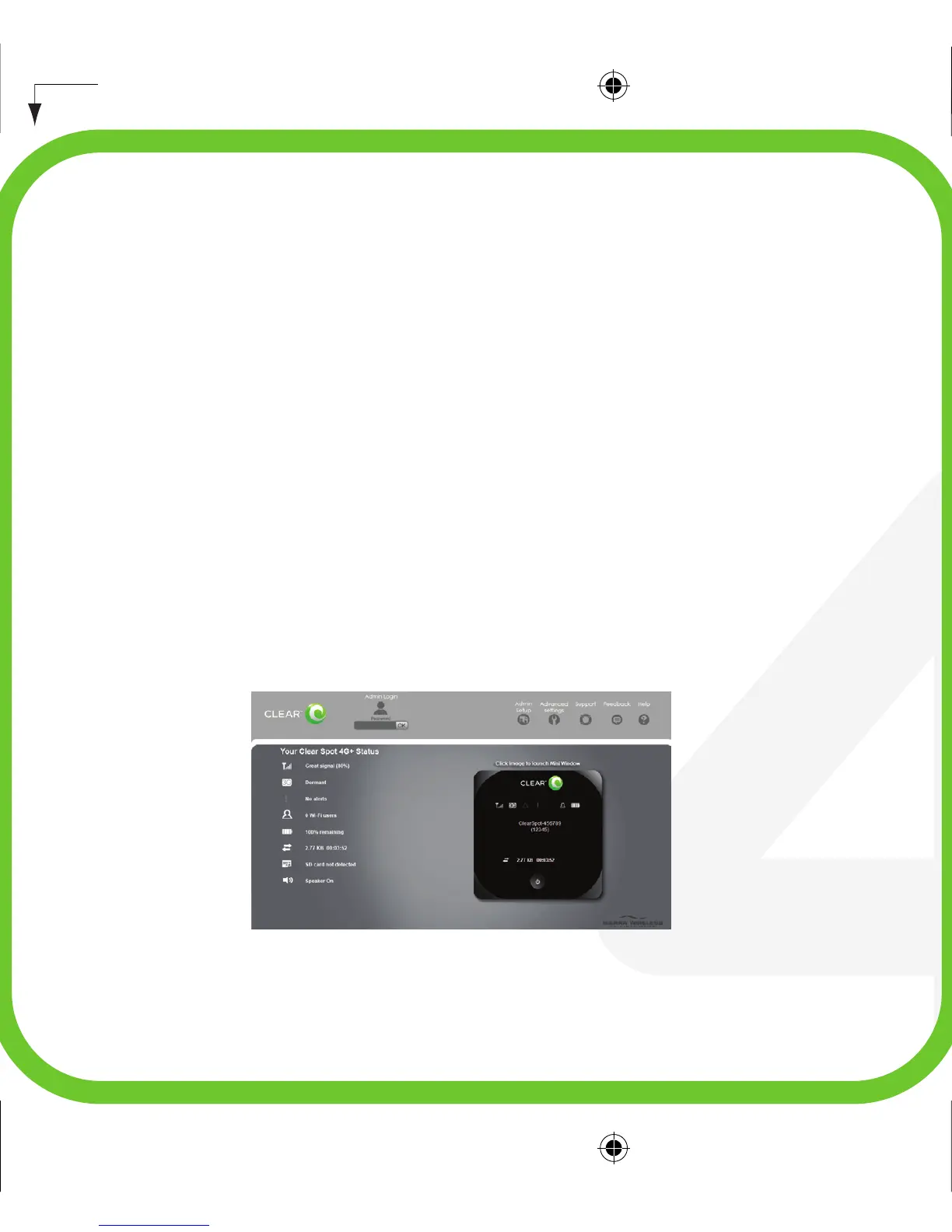
Manage your Clear Spot
Use the Clear Spot Home Page to view the status of your connection and
device, and change its settings at any time. To display your Clear Spot
Home Page, type your Clear Spot Wi-Fi network name into the address bar
of your web browser while connected to the Clear Spot device via WiFi. If
you changed the Clear Spot Wi-Fi network name (SSID), use that name. If
you have forgotten your network name, briefly press the Power button on
the Clear Spot device to display it on the LCD screen.
clear spot 4G+ QSG: p9


 To Next Page