
 Need help?
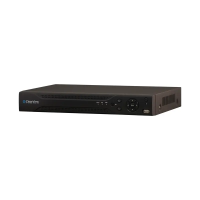
Do you have a question about the ClearView Phoenix and is the answer not in the manual?
Step-by-step guide for installing the Hard Disk Drive in the NVR.
Detailed steps for configuring network settings.
Accessing and configuring various system settings.
Adherence to local electrical safety codes for installation and operation.
Handle NVR with care, avoid powering on before installation, and do not place objects on it.
Only qualified engineers should perform examination and repair work.
Install in a cool, dry place, away from sunlight and flammable substances.
Caution against improper battery use which can cause fire, explosion, or injury.
 General
| Operating System | Embedded Linux |
|---|---|
| Video Output | HDMI, VGA |
| Video Inputs | 4/8/16 |
| Video Compression | H.264 |
| Channels | 4/8/16 |
| Model | ClearView Phoenix |

 To Next Page