appliance close to a heat source (heater, cooker, etc.), do not expose it to direct sunlight, and do
not place it in a room which is too cold.
Connect the appliance to a single socket, leaving a 30 mm gap between the back of it and the wall.
Be careful to support it, so that it is perfectly level (use of a spirit level is recommended). This will
prevent any movement due to instability, causing noise and vibration, and will ensure that the door
seals perfectly.
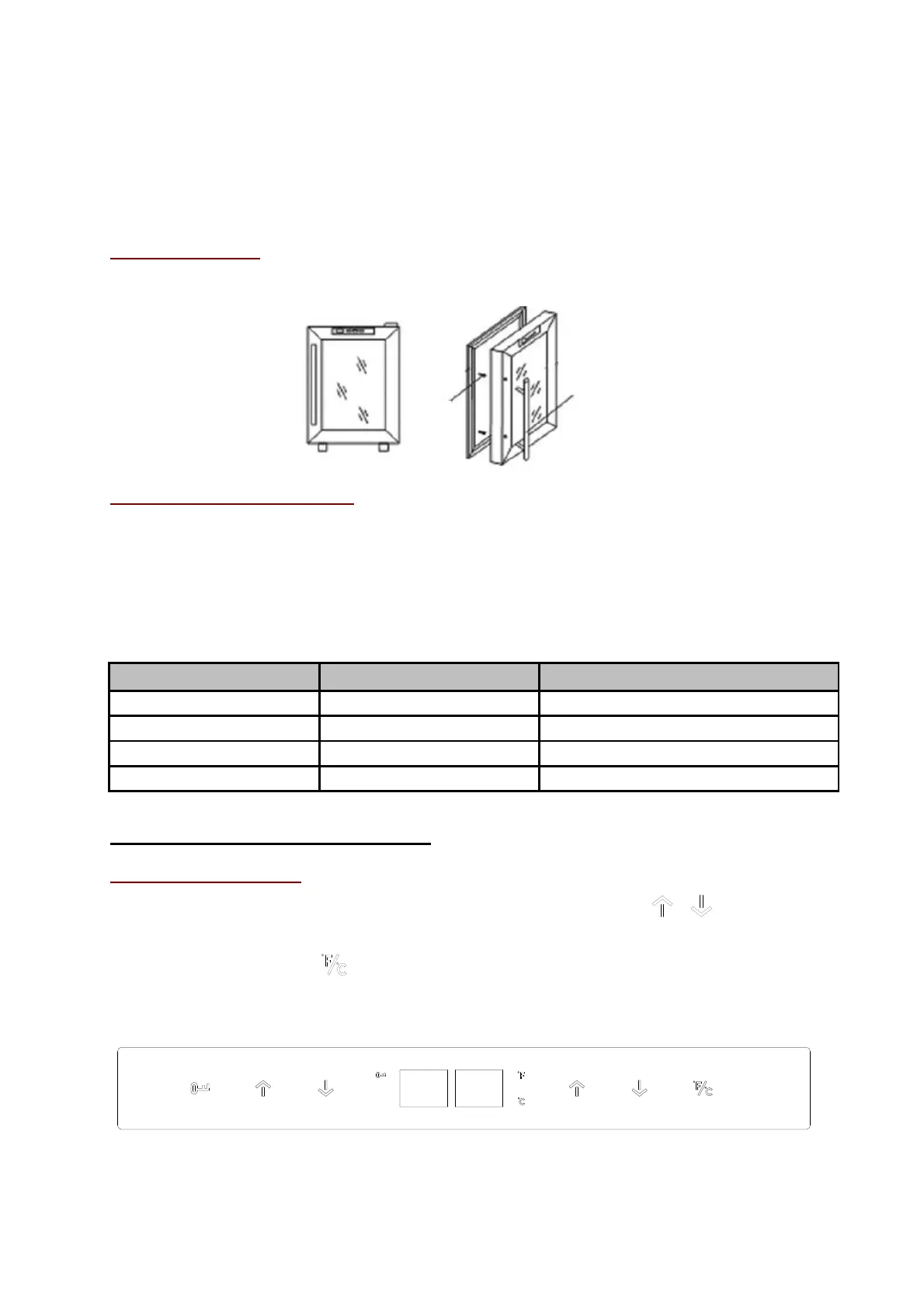
Installing the handle
Your appliance has a stainless steel handle. To fit it, simply screw it to the door with the screws supplied, as
per the diagram below:
Ambient room temperature limits
This appliance is designed to operate in ambient temperatures specified by its temperature class
marked on the rating plate.
Note: ambient temperature affects the inner temperature and humidity of your cellar. For
optimal operation, settings of your unit are carried out for ambient temperatures from 23°C to
25°C.
AMBIENT TEMPERATURES RANGE (°C)
5. OPERATING INSTRUCTIONS
Selecting the temperature
You can choose the desired temperature in the compartment, using the / buttons. The
temperature selected increases/decreases by 1°C with each button press.
In addition, pressing the button switches the temperature display between Celsius and
Fahrenheit.
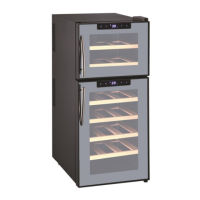
DUOVINO/1:
*This appliance belongs to category 10 according to the European regulation N°1060/2010 and the
temperature setting is from 14° to 18°C. However, the appliance’s technical performances allow to
reach a wider temperature range from 8° to 18°C in each compartment.


 To Next Page