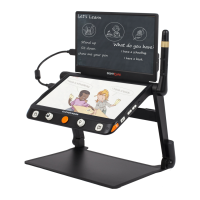
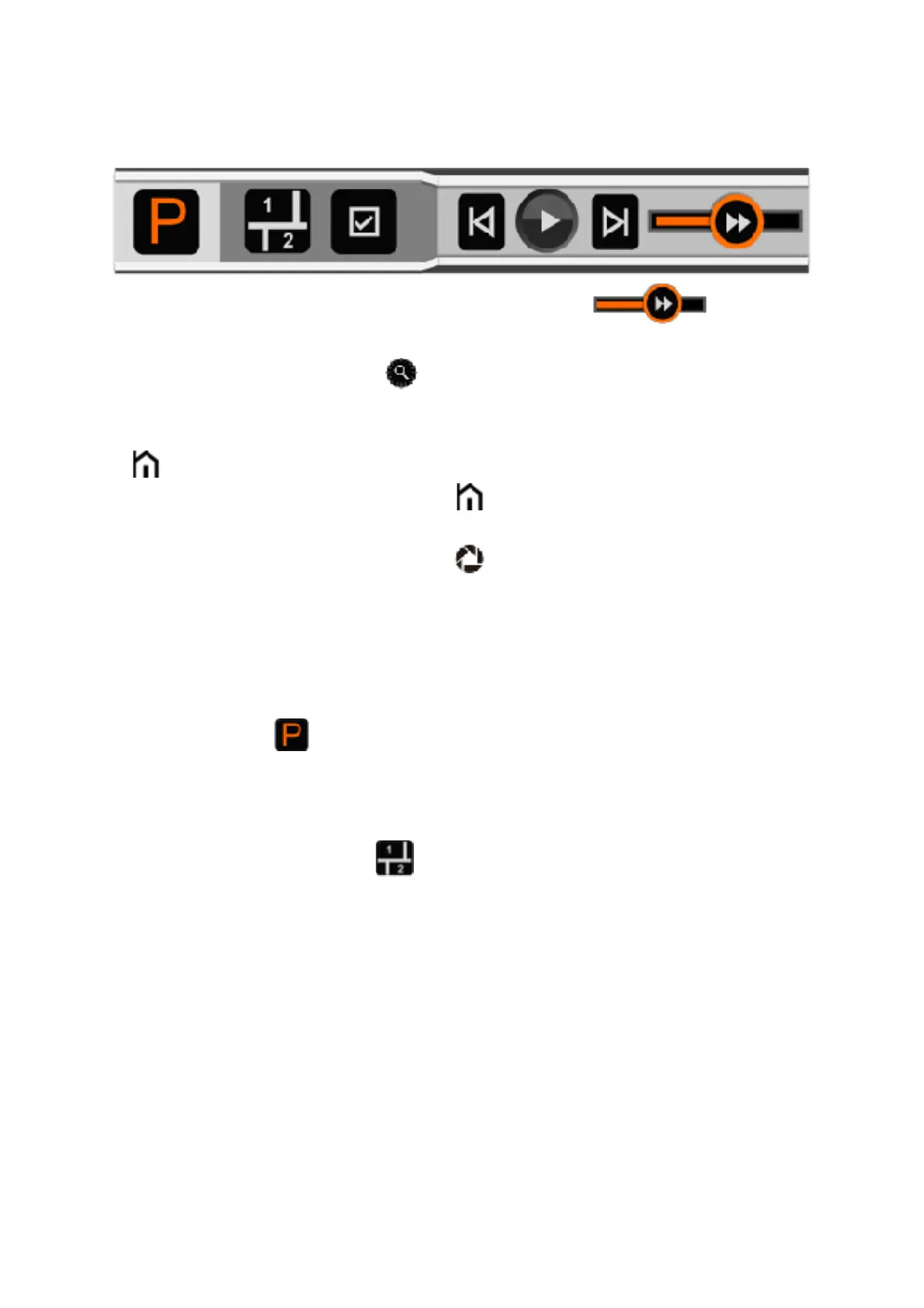
As soon as the recognition procedure finishes, the TTS Control
Bar(default) appears at the bottom of the screen.
!
❑ Touch and Slide the Speech Speed Bar! to adjust
the reading speed.
❑ Press the Zoom button! to quickly back to the original size if
the content is enlarged.
❑ No operation for 8 seconds or short press the Home/Exit button
! will close the Quick Control Bar.
❑ Long press the Home button! for 2 seconds to quickly back
to the previous application.
❑
Long press the Freeze button! can save the picture or text. In
the picture mode, when saving the image the text can be saved
at the same time. And the image will be saved in the Picture
while the text will be saved in the Document. In the text mode,
it can save the text only which has been showed on the screen.
■
Picture Mode!
In the Picture Mode, the layout of the content will remain the
same as the captured image. Zoom In/Out, Panning and Color
mode are still available.
Segmentation Enabled !
With Segmentation Function enabled, the content will be divided
into several sections automatically.


 To Next Page
 Loading...