❑ Tap Picture icon! to get into Text Mode when segmentation
enabled. Only the highlighted/chosen content will be
transformed into text and showed. Previous icon! / Next icon
! are available in Single-selection. Tap them can jump to the
previous/next section (already divided in Picture Mode).
❑ Tap Picture icon! when segmentation disabled to get into
Text Mode. The whole content will be transformed into text and
showed on the screen. Previous icon! / Next icon! will
hide itself.
❑
Tap the Play icon! (or press the Speech button! ) to start
reading.
❑ Tap the Pause icon! (or press the Speech button! ) to
pause the reading.
❑ Long press on a specific word on the screen can start reading
from that word.
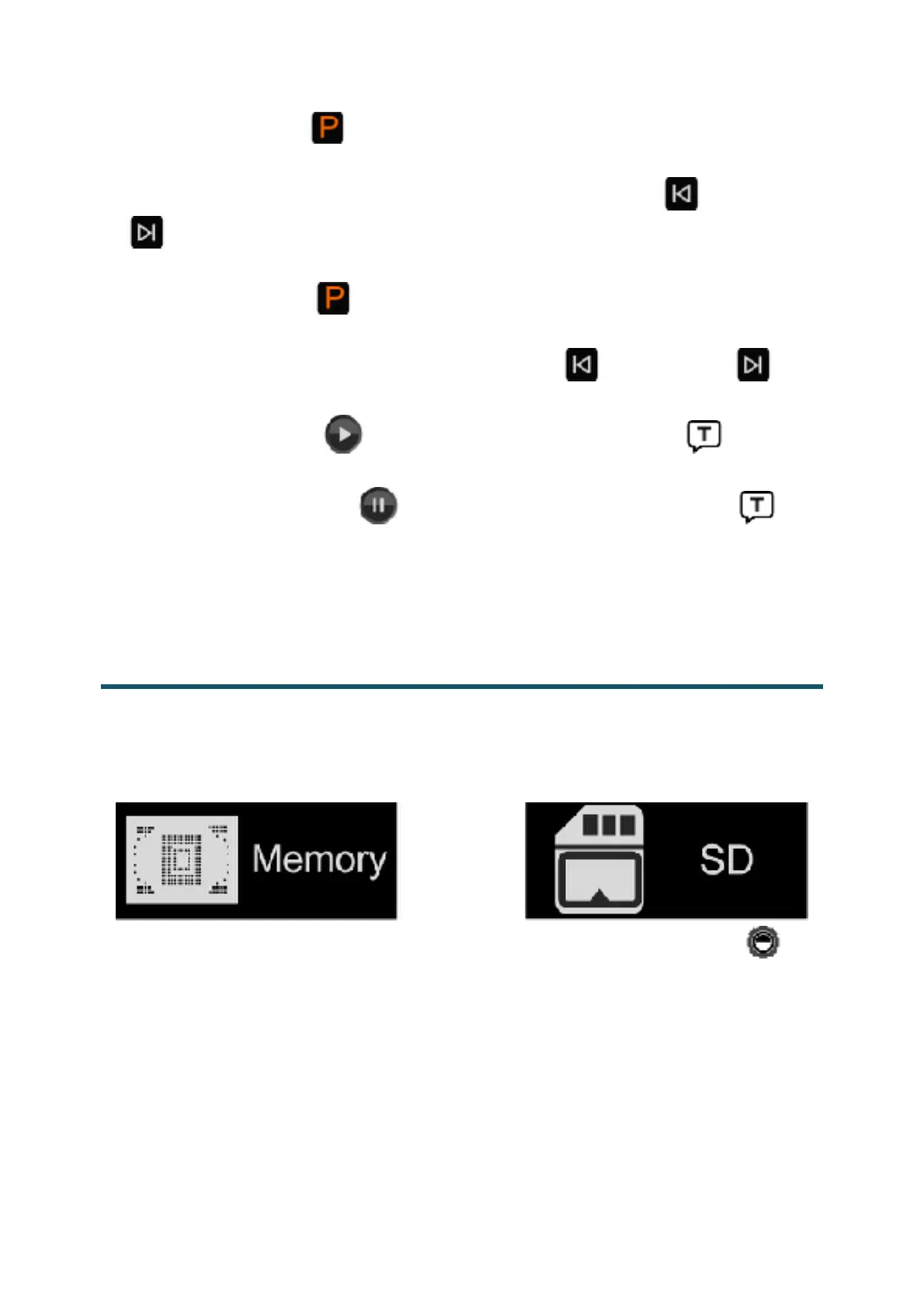
There are two choices in the Open Application. When the
external SD card is not inserted into the device, only the Internal
Memory icon is available. With the external SD card inserted, the
Internal Memory icon and SD card icon are available.
!
❑
Use tap gesture (or rotate the Enhanced Color button! ) to
switch from the 2 choices.
❑
Connect the device to the PC via USB cable. The picture and
the document can be mutually transferred. When transfer the
file from PC to the devices, the picture and the document will
be stored in Shared Picture and Shared Document accordingly.
❑
Pictures and documents in the internal Memory can be
transferred to the external SD card when it is inserted. Choose


 To Next Page
 Loading...