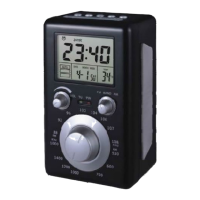
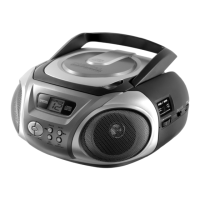
CD-Player
Version 1 cmx® CRC 7200 Side 10 from 13
After a maximum of 20 songs (or less) have been selected
as described above, press the “P-PROG.” key.
The display will now indicate the exact song sequence in
memory by displaying all song numbers rapidly.
Also, the “Program” symbol will remain “on” to indicate that
you have saved a program-memory (sequence).
Pressing “PLAY” key will now play back the “saved
sequence” in the program memory.
Pressing “NEXT/BACK” will move to the next or previous
song in the saved sequence.
To clear (cancel) the entire program which is stored in the
memory, simply press “STOP” key twice, or switch off the
set.


 To Next Page