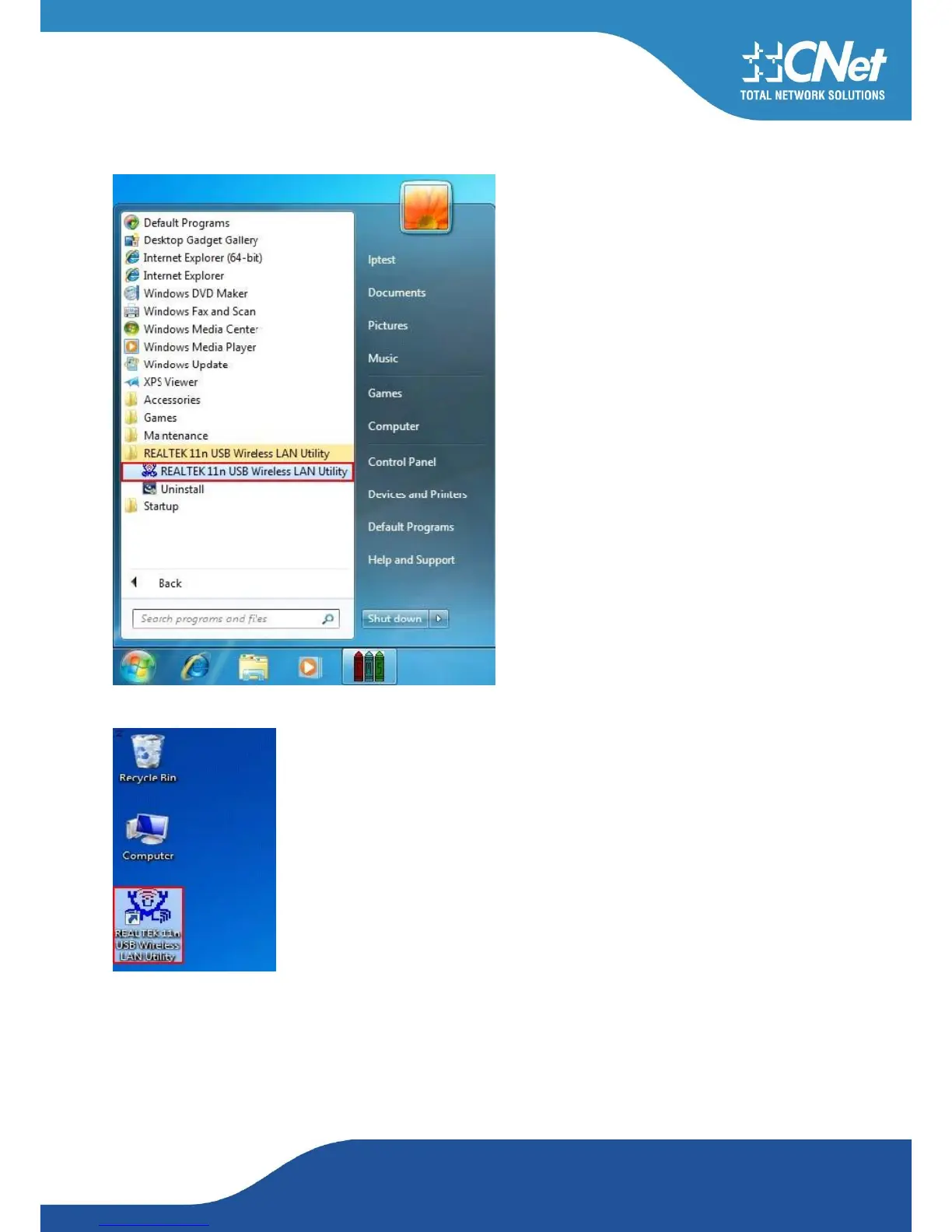
After click Finish to complete the installation of WNUD1150, under Windows7 <ALL Programs>
menu, REALTEK 11n USB wireless LAN Utility program will be installed.
Realtek Utility shortcut will be on the desktop.
Insert the WNUD1150 wireless LAN USB dongle into your computer USB port, the computer detect-
ed and active the wireless LAN USB dongle automatically.



 To Next Page