Step 5-
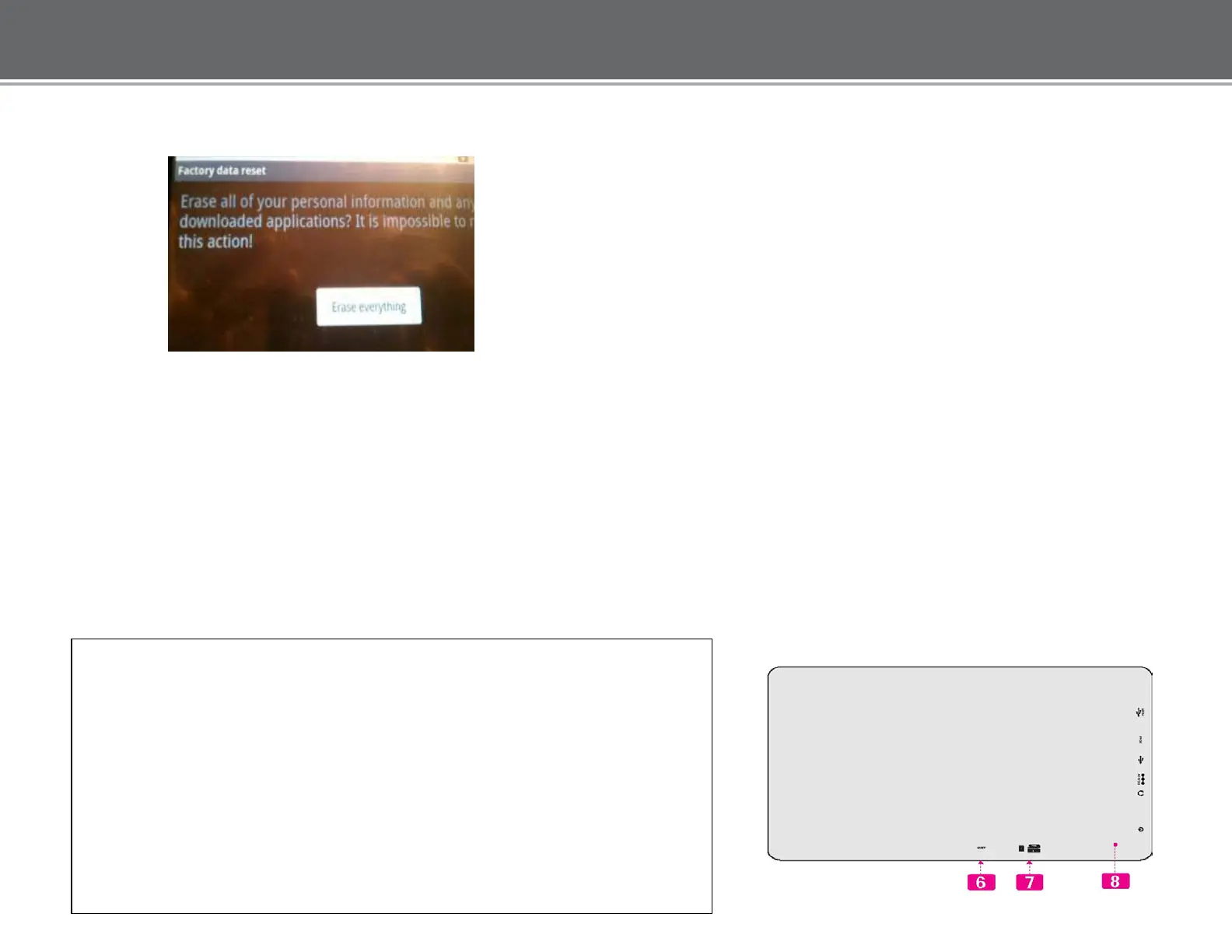
Connect the unit to the computer using the USB cable and “Select” Erase
Everything”
The following will occur:
•
The screen will display COBY
•
The screen will display Android
•
The unit will reboot to the Menu screen
Step 6-
The unit will prompt to calibrate. Hold stylus on the center of the target.
Repeat as the target moves around on the screen.
****DO NOT *** press Return or Home”.
The unit will display “calibrate success” and will return to the main /home menu automatically. If for any reason the unit went into
standby mode and the touch screen does not respond, reset the unit using a pin (see step 6 below).
Press to reset the tablet if it freezes or otherwise
behaves abnormally. (Use a paperclip or other
small object to gently press this key.)
card slot
Load external SD or SDHC memory cards here.
Speaker output is automatically disabled when
headphones are connected to the player.














 To Next Page