EasyManua.ls Logo

Coby MP601 Series - Page 13

Coby MP601 Series
124 pages
Print Icon
To Next Page IconTo Next Page
To Previous Page IconTo Previous Page
Loading...
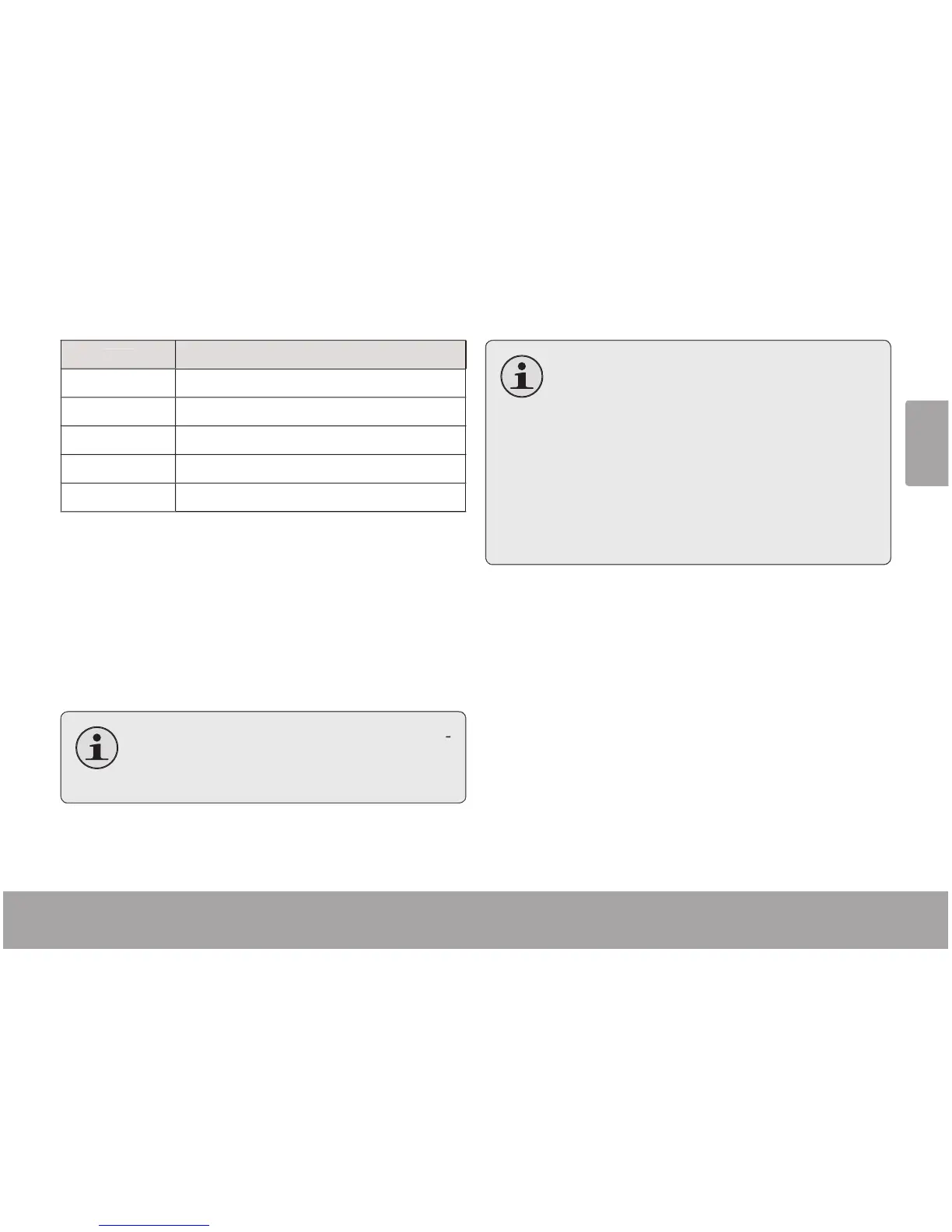
3DJH 0XVLF0RGH
English
Ite
m
D
escr
ip
t
i
o
n
No
R
e
p
ea
t
P
l
a
y
trac
k
s in norma
l
or
d
er an
d
no repeat.
O
n
e
P
l
a
y
t
h
e current trac
k
repeate
dly.
Al
l
Pla
y
all tracks repeatedl
y
.
R
a
n
do
mAll Pla
y
all tracks in random order
.
Dir N
o
rm
al
Re
p
eat all tracks in the current folder
.
Li
b
rar
y
Ret
u
rn t
o
the M
u
sic Br
o
wser screen
.
P
l
a
y
Li
st
Selet "Pla
y
List" and then "M
y
List" to pla
y
a list o
f
y
our
f
avorite songs
.
T
o
add
songs
t
o
t
h
e
list
,
see
t
h
e
secti
on
M
u
-
s
i
c
M
od
e >
Mu
si
c
Br
o
wser C
o
ntr
o
ls
>
Usin
g
t
h
e
Q
uic
k
P
la
y
list
.
Lyri
c
Set t
h
e Lyric
d
isp
l
ay ON or OFF
.
Ly
r
i
c
d
isp
l
a
y
requ
i
res
a
“.
LR
C”
ly
ric
l
e
w
h
i
ch
may
b
e
fou
n
d
on
the
i
nternet
or
may
b
e
c
re
a
te
d
wi
th
a
Ly
r
i
c
l
e
e
d
it
o
r
.
Ly
r
i
c
l
es
c
an
co
nt
ain
s
y
nc
h
ronize
d
ti
m
i
n
g
in
fo
rm
a
ti
on
as
w
e
l
l
as
l
y
ric inf
o
rm
a
ti
o
n.
L
y
ri
c
fil
es
mu
s
t
ha
ve
the
same
name
as
its
c
orrespondin
g
m
u
si
c
l
e
(e.
g
., “Son
g
Title1
.
lr
c”
a
n
d
Son
g
Title1.mp3”
)
a
n
d
mu
s
t
b
e
p
lace
d
in
t
h
e
same
d
irector
y
.

Table of Contents

Related product manuals