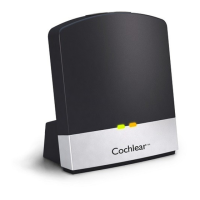
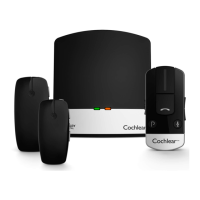
Using the Cochlear Wireless TV Streamer
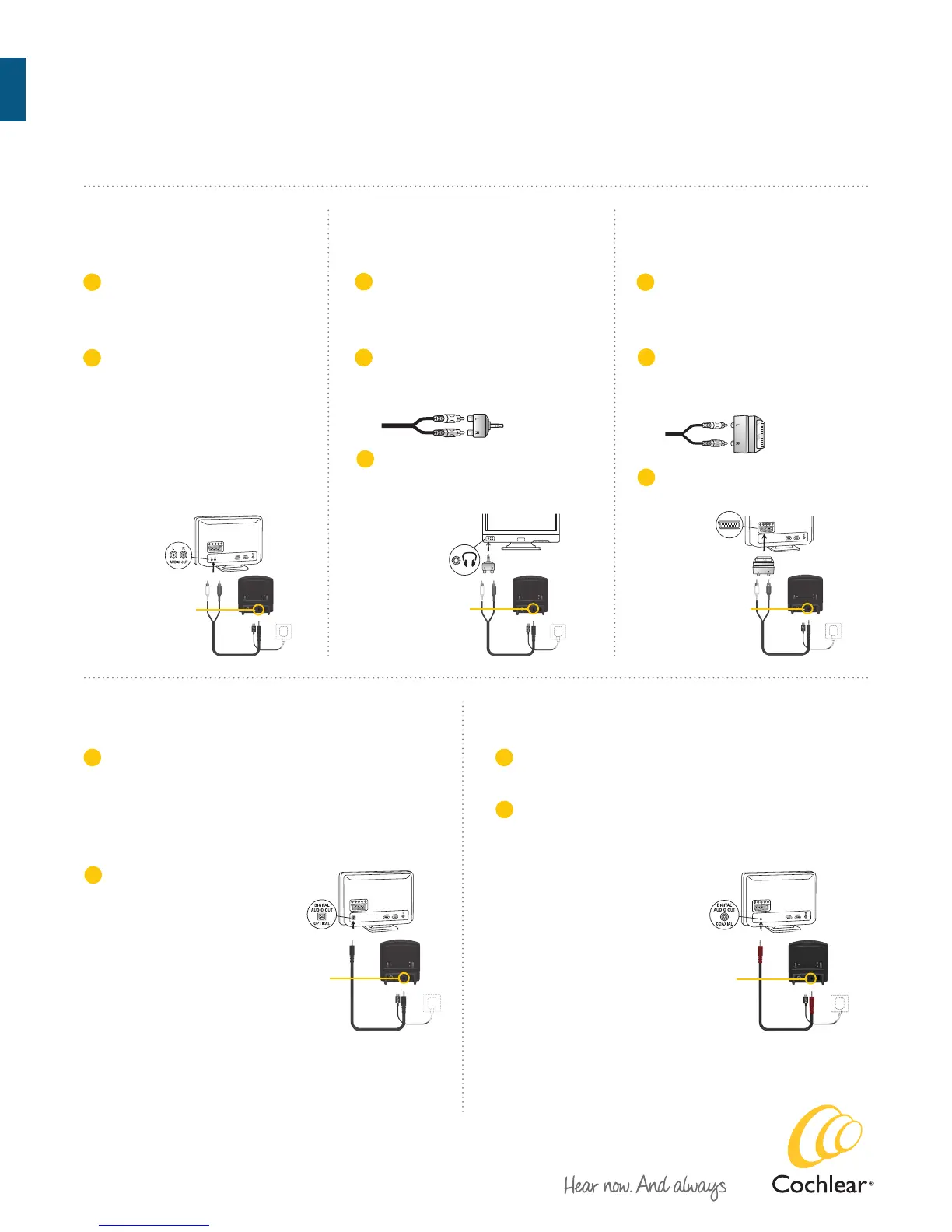
Connecting the TV Streamer
to an analog audio source
(e.g. TV or HiFi stereo).
Connecting the TV Streamer to a digital
audio source using the coaxial audio input.
Connecting the TV Streamer to
an analog audio source using a
headphone mini-jack adaptor.
Connecting the TV Streamer to
an analog audio source using
a scart adapter.
Connecting the TV Streamer to a digital audio
source using the optical (Toslink) audio input.
Mini-jack input
Mini-jack input
Mini-jack input
Mini-jack input
Mini-jack input
Plug the other end of the audio
cord into the ”AUDIO OUT”
terminals on the audio source.
”AUDIO OUT” is usually marked
”L – R” for left and right, and is
normally located on the back of
the audio source.
Plug the stereo mini-jack on the
audio cable into the stereo mini-
jack input on the TV Streamer.
A
B
Plug the stereo mini-jack on the
audio cable into the stereo mini-
jack input on the TV Streamer.
A
Insert one of the plugs on the optical audio cable into
the optical audio input socket on the TV Streamer.
Note: Most optical cables are delivered with a small
protective cap to protect the tip of the plug. Please remove
this protective cap before inserting the cable.
A
Insert one of the plugs on the coaxial audio cable into
the coaxial audio input socket on the TV Streamer.
A
Plug the stereo mini-jack on the
audio cable into the stereo mini-
jack input on the TV Streamer.
A
C
Connect the scart adapter to the
red and white plugs on the other
end of the audio cable.
B
C
Connect the stereo mini-jack
adapter to the red and white plugs
at the other end of the audio cable.
Plug the stereo mini-jack
adapter into the audio source’s
”HEADPHONE” output terminal.
Plug the scart adapter into the
audio source’s scart terminal.
B
Plug the other end of the
optical audio cable into the
“Digital Audio Out/Optical”
socket on your audio source.
B
Plug the other end of the
coaxial audio cable into the
“Digital Audio Out/ Coaxial”
socket on your audio source.
B
Cochlear
™
Baha
®
Users
Cochlear
™
Wireless TV Streamer Quick Guide


 To Next Page
 Loading...