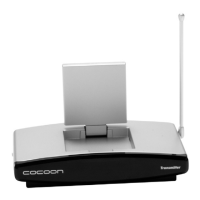
AMP TV
After Sales Support 1300 663 907
www.winplus.com.au
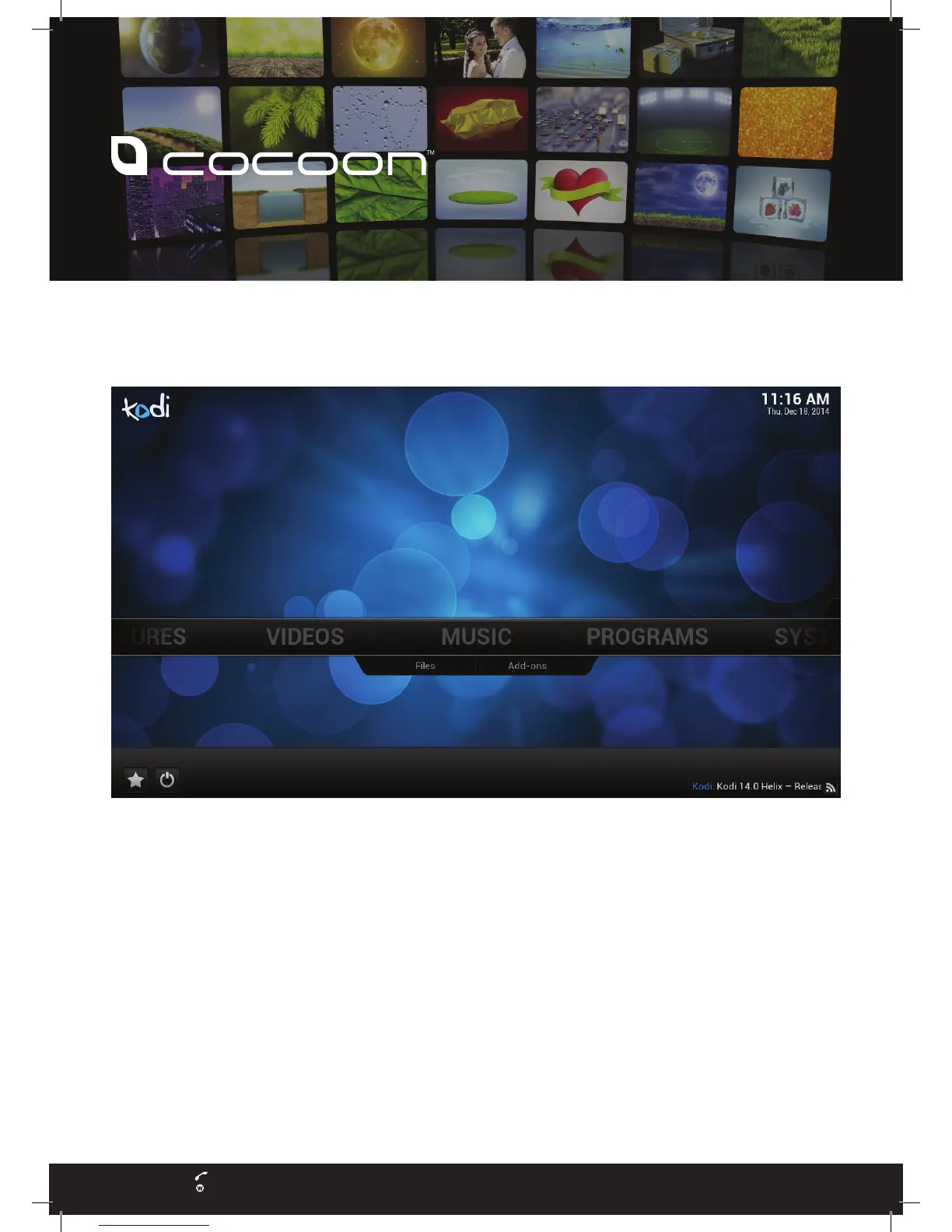
6. HOME SCREEN
NavigatetotheKodiVideoPlayerbyselectingVIDEOSfromthehomescreen.Youcannavigateusingthedirectional
buttons on the remote control and select the VIDEOS option by pressing OK, then select “Files” to see all of your
videos.
7. SELECT USB PLAYBACK
Usetheremotetonavigatetothemovieleyouwishtoplay.Onceyouhighlightthele,press‘OK’ontheremoteto
begin playback.
8. SUCCESS
YouhavesuccessfullysetupyourAMPTV.Forfurtherinformationrefertotheincludedusermanualorvisitwww.
winplus.com.au/AMPTV for advanced guides and information.
Getting Started Guide
HE115020 - Media Player GSG.indd 2 5/01/2015 4:57 pm


 To Previous Page
 Loading...