ONE TIME USER CODES Program 07
Key Sequence
#Master Code • 07 • One time code ID
(eg 81) • One time Code (eg 4321) ••
RESULT
Code 4321 in position 81 will work once and then be removed from memory
Note: ID Positions 81 to 90 are reserved for this program functions, allowing up to 10 One-Time User Codes to be
entered.
SET CODE FREE MODE Program 08
Key Sequence
#Master Code • 08 ••
RESULT
Lock will be continuously unlocked
CANCEL CODE FREE MODE Program 09
Key Sequence
#Master Code • 09 ••
RESULT
Lock will revert to normal operation
CHANGE MASTER CODE Program 10
Key Sequence
#Master Code • 10 • enter length of Master Code
Followed by new Master Code (eg 6, 123456) •
Confirm length of Master Code followed by new Master Code (eg 6, 123456) ••
RESULT
Master Code now changed to #123456. Note: If the length of the Master Code is changed then all previous User Codes
will be deleted
CANCEL EMERGENCY OPEN MODE Program 11
Key Sequence
#Master Code • 11 ••
RESULT
The emergency unlocked condition via REN 2 will be cancelled and the lock will revert to normal operation
DELETE ALL USER CODES Program 12
Key Sequence
#Master Code • 12 • 12 •• (7 secs)
RESULT
All User Codes will be cleared from the memory
ADD/CHANGE SUB-MASTER CODE Program 13
Key Sequence
#Master Code • 13 • Sub-Master Code (eg 2468) ••
RESULT
A Sub-Master Code #2468 has been entered
DELETE SUB-MASTER CODE Program 14
Key Sequence
#Master Code • 14 • 14 ••
RESULT
Sub-Master Code has been deleted
LOCKED/UNLOCKED STATUS Program 15
Key Sequence
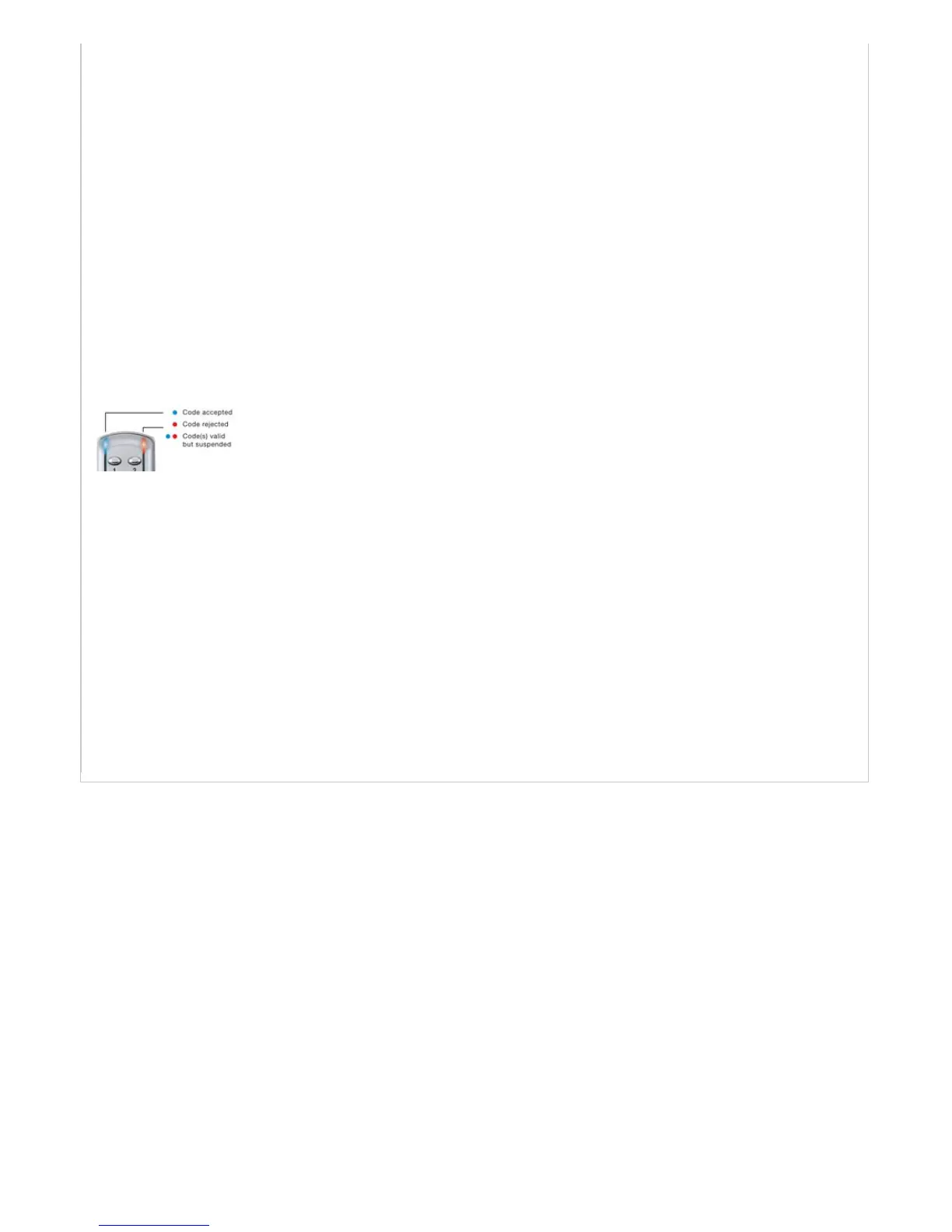
1. #Master Code • 15 • 1 •• = Locked, No LED flashing (this is the default setting)
2. #Master Code • 15 • 2 •• = Locked – Red • LED flashing
3. #Master Code • 15 • 3 •• = Unlocked – Blue • LED flashing
RESULT
If activated LED’s will flash continuously every 5 seconds
Note: LED’s will not indicate unlocked mode by key


 To Previous Page
 Loading...