21.
6. Brewing of coffee.
6.5. Brewing ready.
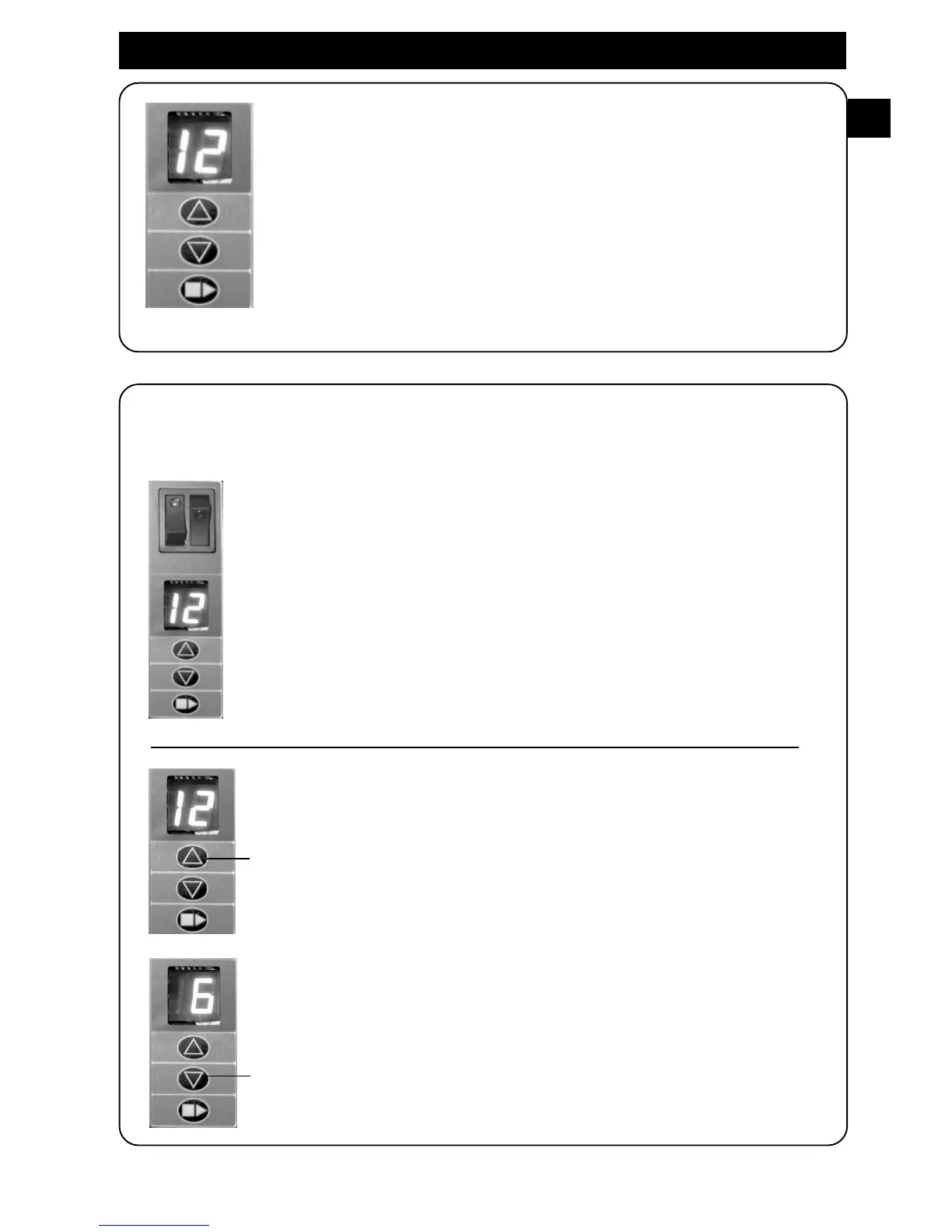
During the brewing display is blinking.
When brewing is ready you hear a signal and the display will lit.
Coffee Ready!
6.6. Choose a full or a half brewing in pot.
When first starting up coffee brewer. Coffee brewer is programmed to
brew a full pot of coffee, (12 cups).
Display shows: 12 cups.
It is simply to choose a brewing of a half pot (6 cups) of coffee.
Increase amounts of cups.
When brewing a full pot. Display shows 12.
When brewing a half pot. Display shows 6.
Decrease amounts of cups.
GB




 To Next Page