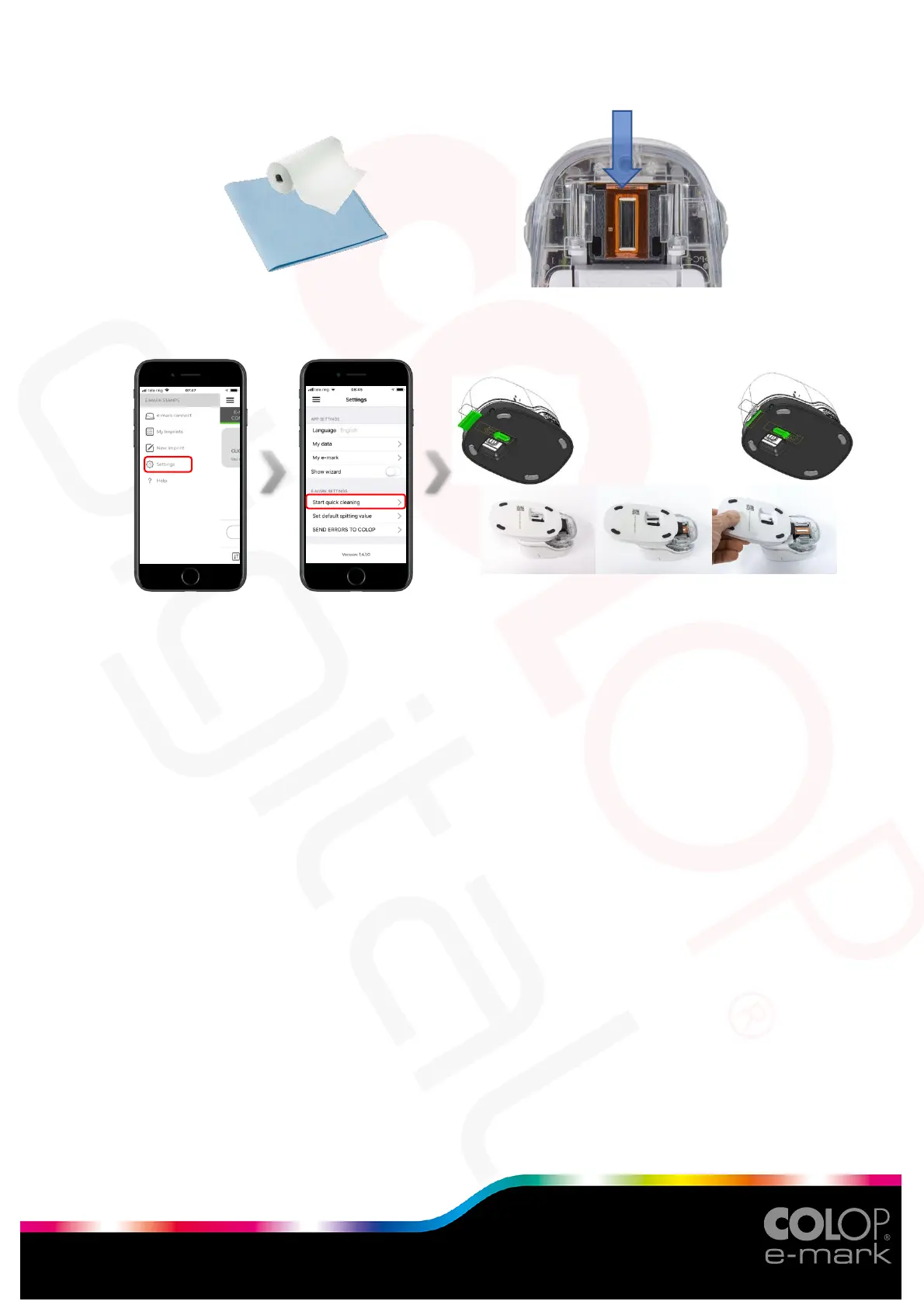
Take a damp, lint-free cloth and wipe it over the printhead from top to bottom.
Then perform the automatic print head cleaning process via the app.
o Start the cleaning process via app.
o Slide the print head wiper out (wiper, rubber lip) on the underside of the
docking station. A lint-free cloth can also be used, moistened with distilled
water.
o Carefully wipe the print head from back to front once with the print head
wiper (or with the damp cloth).
o Place the e-mark on paper.
o Press "Start quick cleaning" again.
o The e-mark is now ready for use again. A test image can be printed to test
the print quality.
If the problem is not resolved after the first cleaning, do it a second time or replace the
printhead.



 To Previous Page