USING YOUR DISHWASHER
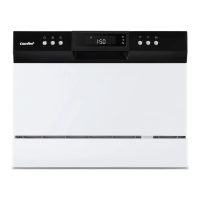
Control Panel
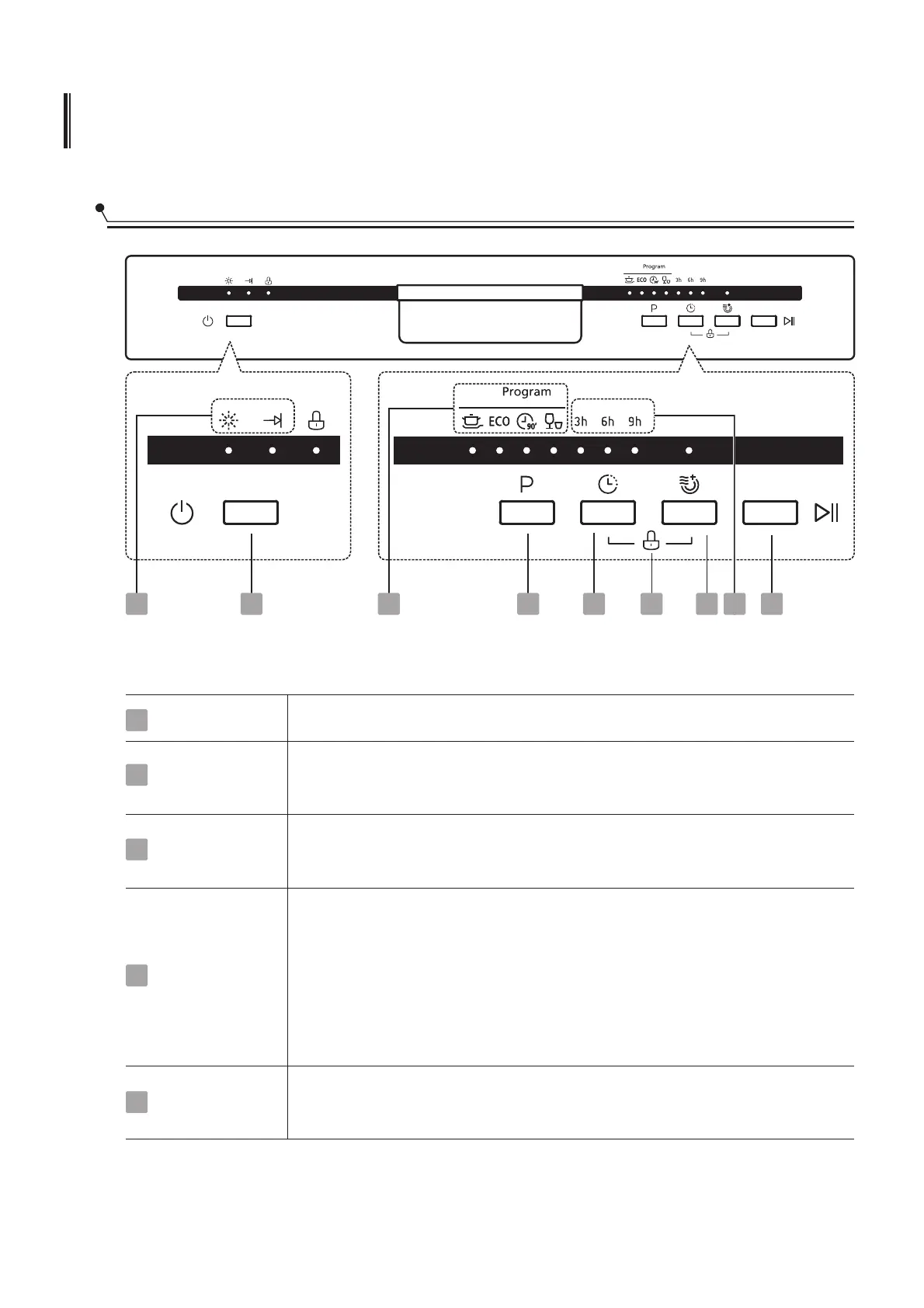
Operation (Button)
Power
Child lock
Extra Drying
Press this button to turn on your dishwasher, the screen lights up.
This option allows you to lock the buttons on the control panel -
except the Power button - so children cannot accidently start the
dishwasher by pressing the buttons on the panel. To lock or
unlock the buttons on the control panel, press and hold the Delay
button + Extra Drying button for 3 seconds simultaneously.
When pressing this button, corresponding indicator will be lit.
To dry dishes more completely. ( It can only be used with Intensive,
ECO, 90mins )
1
4
5
1
8
2
4
5
3
6
7
9
Program
Select the appropriate washing program, the selected program
indicator will be lit.
2
Delay
Press the button to set the delay time, corresponding indicator
will be lit.
3
10



 To Next Page