OPERATION
Power
Start/Stop
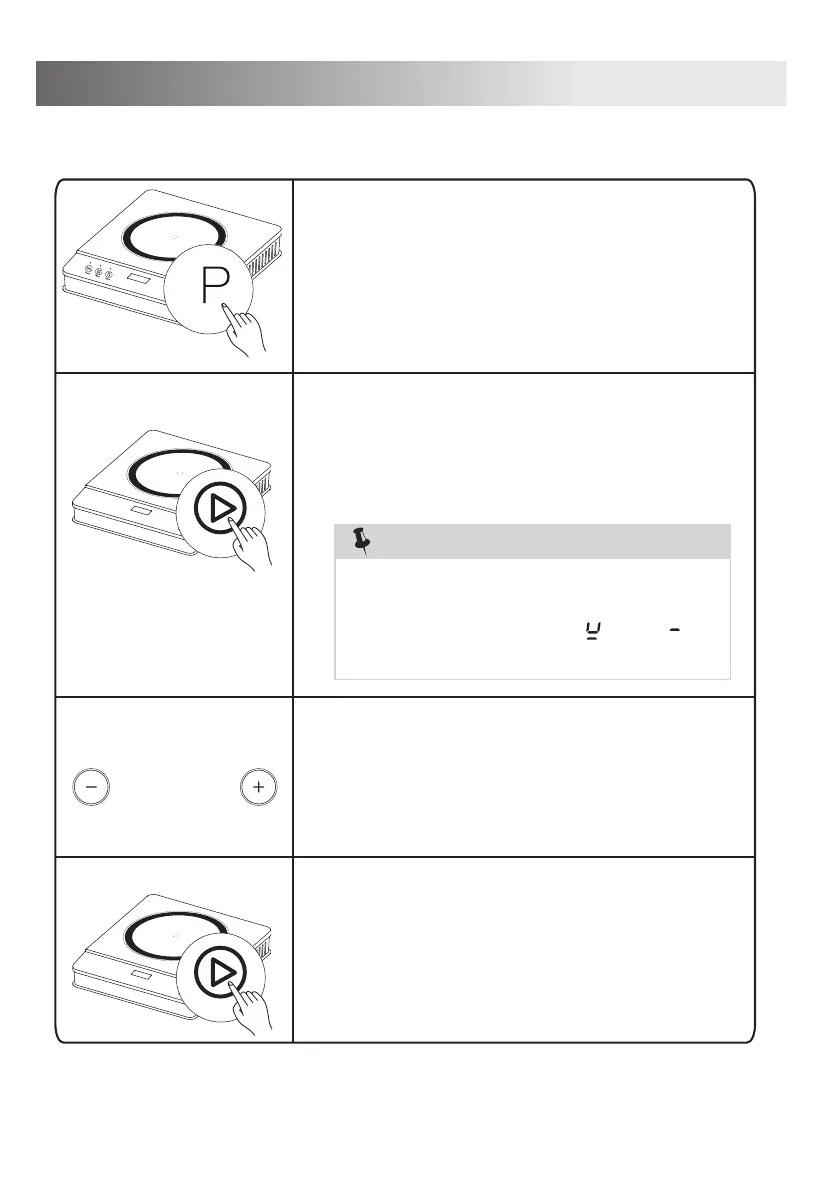
Cooking Steps
After selecting the function, press down the
“Start/Stop” button, the corresponding
lights will be displayed on the control panel
① Select Your Function
② Press Start/Stop button to start
Note:
1.Dry burning is strictly forbidden
2.When there is no cookware pot detected,
the digital display shows “ ” and “ ”
flashes for notification.
9
and the unit will start heating up.
Start/Stop
③ Power adjustment
After the cooking complete, press
the “Start/Stop” button and the corre-
sponding indicator light turn off and the
function will stop.
When done cooking, unplug the power
cord from the power outlet.
④
Select one of the three functions (Power,
Fry, or Temperature).” Indicator light will
light up.
Adjust the power level if using Power or
Temp. functions. (Fry stays at 360 F) by
pressing the “+” and “-“ buttons.



 To Next Page