EC
REP
Company:Qing UG(haftungsbeschrankt)
Address:Undinestr. 712203 Berlin
E-Mail:pmdheinrich@gmail.com
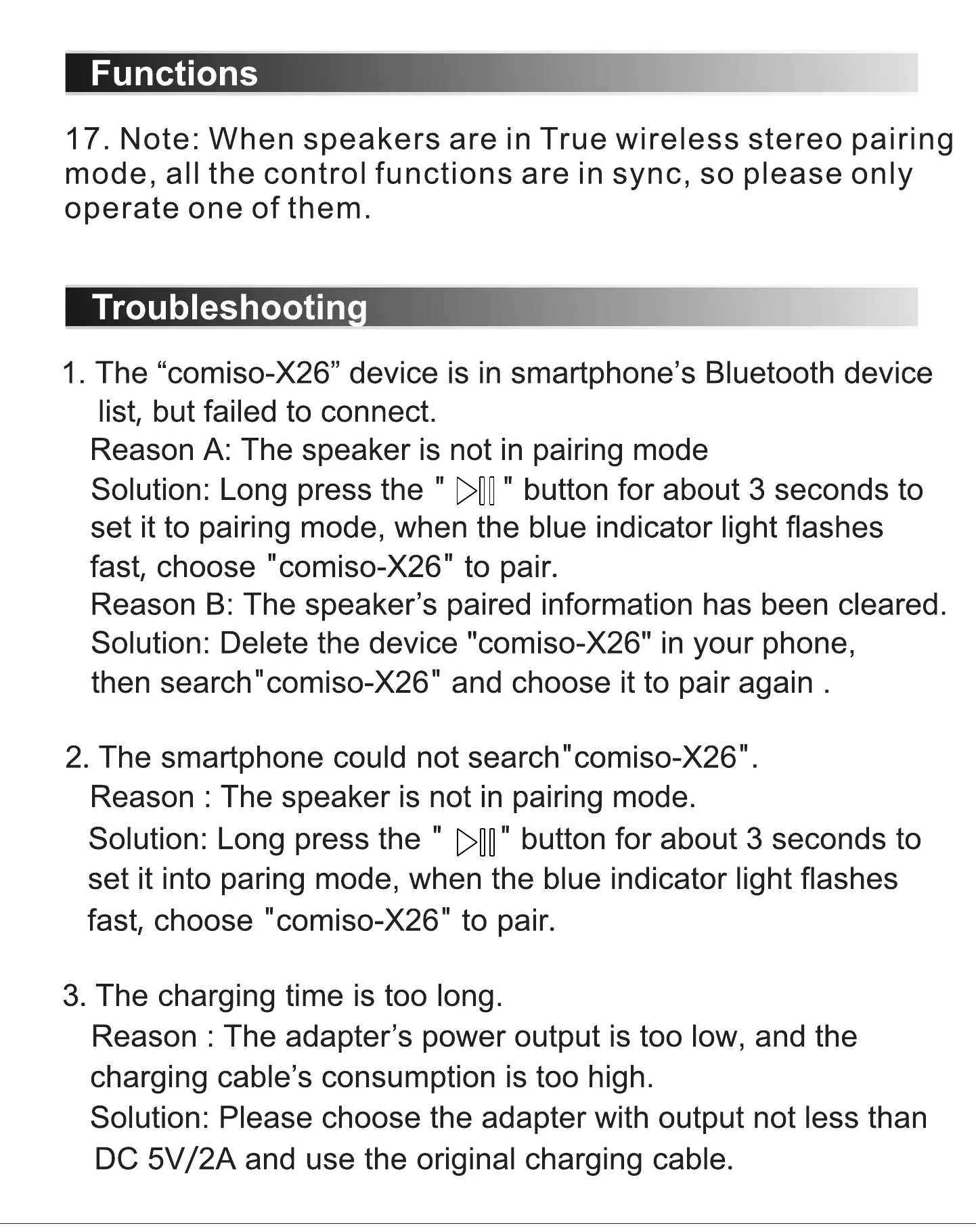
Functions
17. Note: When speakers are in True wireless stereo pairing
mode, all the control functions are in sync, so please only
operate one of them.
Troubleshootin
1. The "comiso-X26" device is in smartphone's Bluetooth device
list, but failed to connect.
Reason A: The speaker is not in pairing mode
Solution: Long press the " " button for about 3 seconds to
set it to pairing mode, when the blue indicator light flashes
fast, choose "comiso-X26" to pair.
Reason B: The speaker's paired information has been cleared.
Solution: Delete the device "comiso-X26" in your phone,
then search"comiso-X26" and choose it to pair again .
2. The smartphone could not search "comiso-X26".
Reason : The speaker is not in pairing mode.
Solution: Long press the " " button for about 3 seconds to
set it into paring mode, when the blue indicator light flashes
fast, choose "comiso-X26" to pair.
3. The charging time is too long.
Reason : The adapter's power output is too low, and the
charging cable's consumption is too high.
Solution: Please choose the adapter with output not less than
DC 5V/2A and use the original charging cable.


 To Next Page
 Loading...