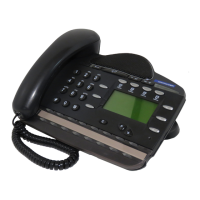
Holding Calls
Press a
The flashes beside the line on hold.
Press the line key with the
b
flashing to return to the call.
Automatic Hold
Calls are put on hold automatically when
you switch from one line to another.
Exclusive Hold
Use Exclusive Hold ( )
to keep a call on hold private.
Handsfree
System Administrator can program
Handsfree for your keystation.
Switching between Handsfree and handset
Press and replace the handset a
to switch to Handsfree.
Pick up the handset to switch back
b
Using Mute
Press to turn the microphone OFF a
Press again to turn the b
microphone ON.
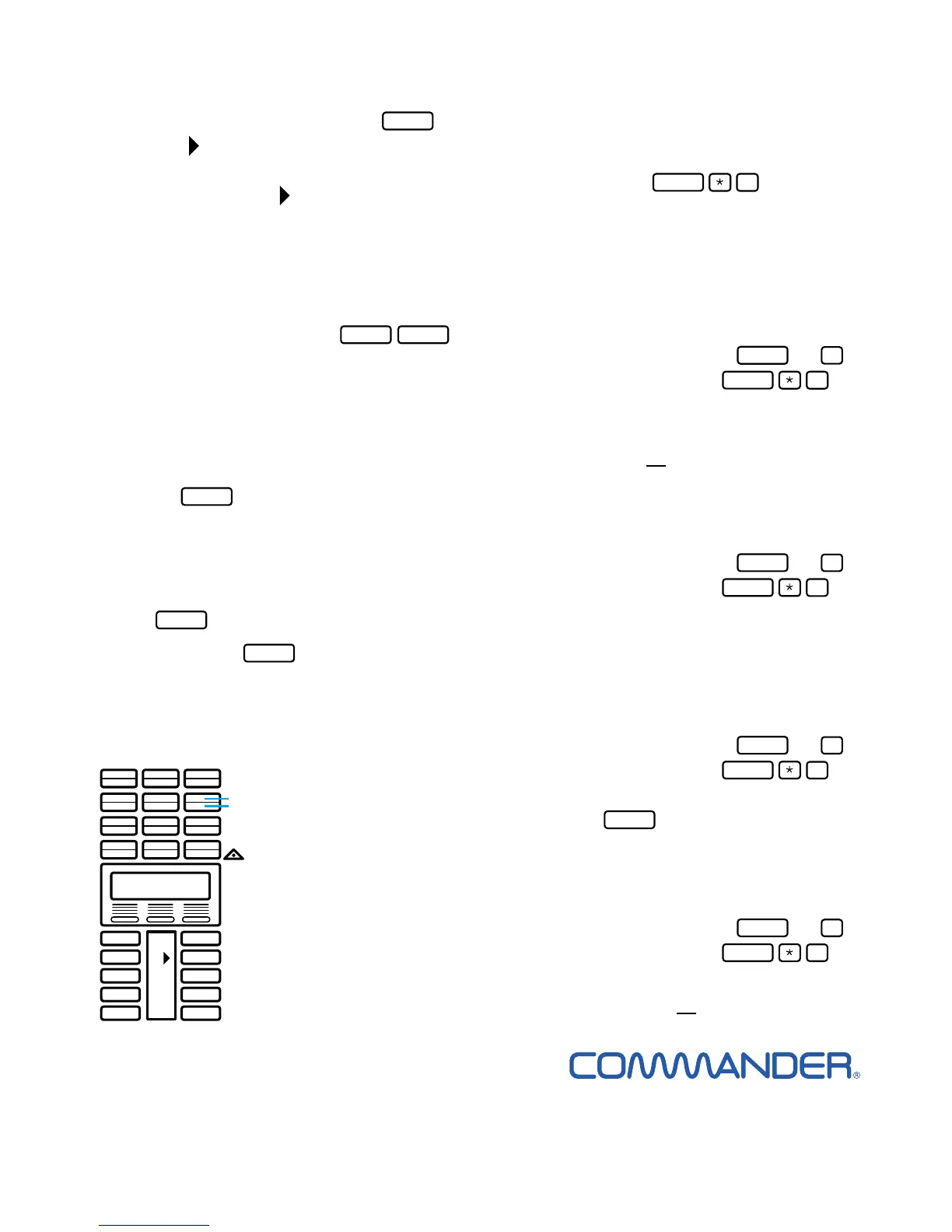
about memory keys.
Memory keys store
telephone numbers
or feature codes to
give you one-touch
dialling or feature
activation.
There are two types
of memory keys:
single-memory and
dual-memory.
Dual-memory keys
To use the bottom function,
press the dual-memory key.
To use the
top function, press the shift key,
then press the dual-memory key.
Single-memory keys
Single-memory keys are the keys with the
indicators other than line or Handsfree keys.
Remember: Press to check a
memory or line key.
Programming memory keys.
External Autodial
If you are on a call or an open line with a
dial tone, press or .
Press
b
Press a memory key c
Dial the external number d
Press OK to store the number e
Label your new key f
Internal Autodial
If you are on a call or an open line with a
dial tone, press or .
Press
b
Press a memory key c
Dial the station number d
Label your new key e
Features
If you are on a call or an open line with a
dial tone, press or .
Press
b
Press a memory key c
Press and the feature code d
Label your new key e
Erasing memory keys
If you are on a call or an open line with a
dial tone, press or .
Press
b
Press the memory key you want to erase c
Press OK to erase the key d



 To Next Page
 Loading...