APPENDIX A
CHANGING
THE
DEVICE NUMBER
HARDWARE
METHOD
Two switches on the back
of
the
1571
enable you
to
change the device #
ofthe
drive.
You can use a screwdriver, pen, or any other small tool
to
set the switches. The following
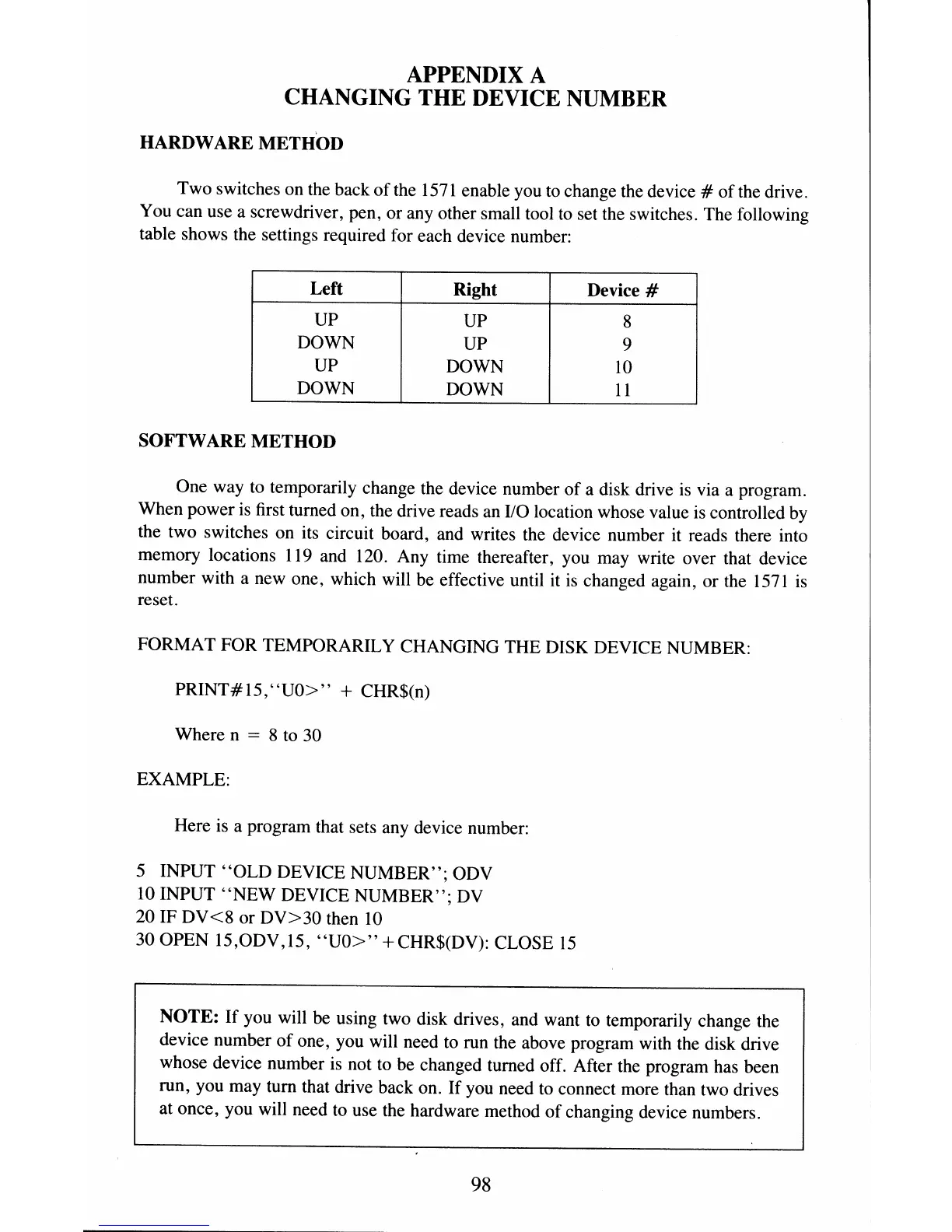
table shows the settings required for each device number:
Left
Right Device #
UP UP
8
DOWN
UP
9
UP DOWN
10
DOWN DOWN
11
SOFTWARE
METHOD
One way
to
temporarily change the device number
of
a disk drive is via a program.
When power is first turned on, the drive reads an
110
location whose value is controlled by
the two switches on its circuit board, and writes the device number it reads there into
memory locations 119 and 120. Any time thereafter, you may write over that device
number with a new one, which will be effective until it is changed again, or the
1571
is
reset.
FORMAT FOR TEMPORARILY CHANGING THE DISK DEVICE NUMBER:
PRINT#
IS,
"UO>"
+ CHR$(n)
Where n
= 8 to 30
EXAMPLE:
Here is a program that sets any device number:
5 INPUT
"OLD
DEVICE NUMBER"; ODV
10 INPUT
"NEW
DEVICE NUMBER"; DV
20 IF
DV<8
or
DV>30
then 10
30 OPEN 15,ODV,15,
"UO>"
+CHR$(DV): CLOSE
15
NOTE:
If
you will be using two disk drives, and want
to
temporarily change the
device number
of
one, you will need to run the above program with the disk drive
whose device number
is
not to be changed turned off. After the program has been
run, you may tum that drive back on.
If
you need to connect more than two drives
at once, you will need to use the hardware method
of
changing device numbers.
98



 To Next Page