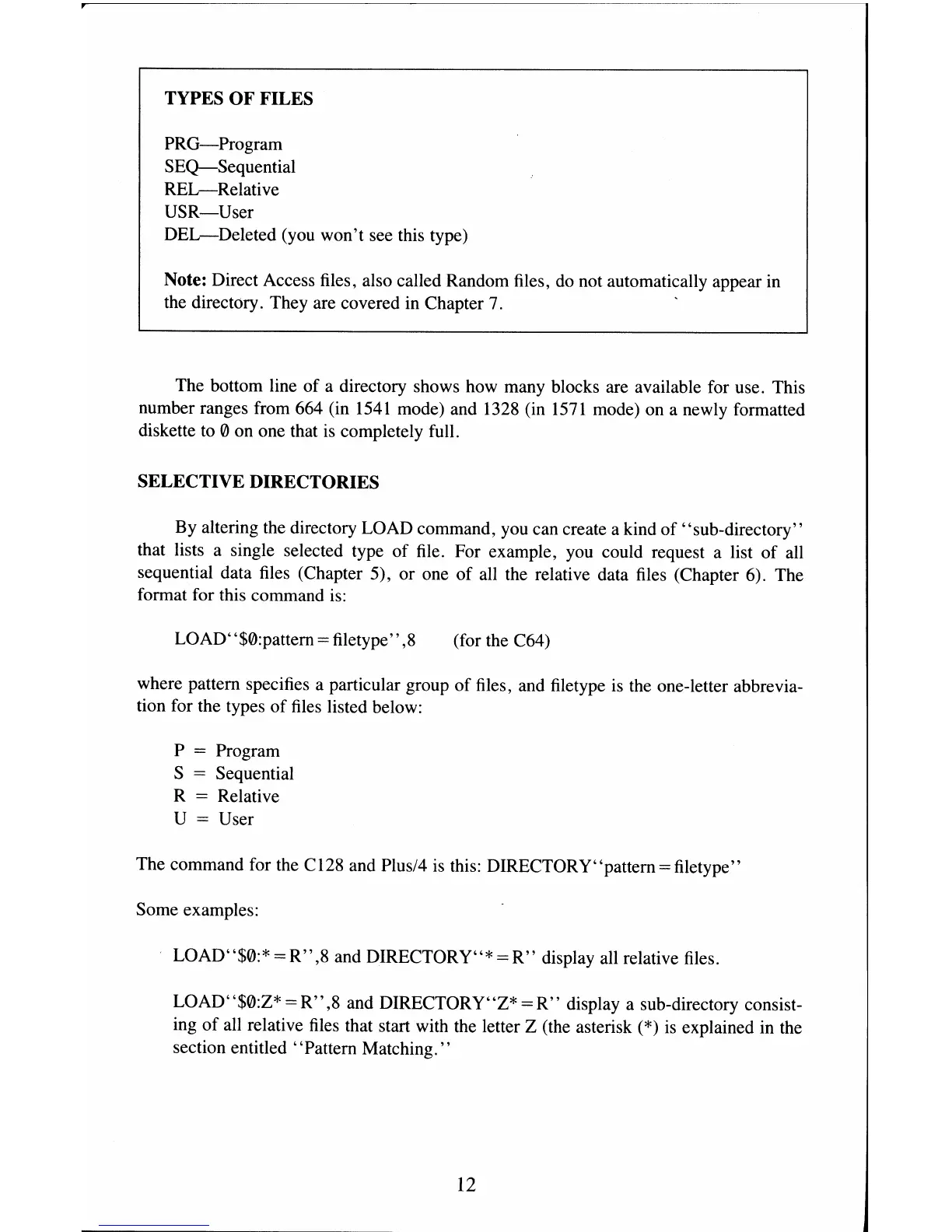
TYPES OF FILES
PRG-Program
SEQ-Sequential
REL-Relative
USR-User
DEL-Deleted
(you won't see this type)
Note: Direct Access files, also called Random files,
do
not automatically appear in
the directory. They are covered in Chapter 7.
The bottom line
of
a directory shows how many blocks are available for use. This
number ranges from 664 (in
1541
mode) and 1328 (in
1571
mode) on a newly formatted
diskette
to
0 on one that
is
completely full.
SELECTIVE DIRECTORIES
By altering the directory LOAD command, you can create a kind
of
"sub-directory"
that lists a single selected type
of
file. For example, you could request a list
of
all
sequential data files (Chapter 5), or one
of
all the relative data files (Chapter 6). The
format for this command
is:
LOAD"$0:pattern = filetype",8 (for the C64)
where pattern specifies a particular group
of
files, and filetype
is
the one-letter abbrevia-
tion for the types
of
files listed below:
P
= Program
S
= Sequential
R
= Relative
U
= User
The command for the C128 and Plus/4
is
this: DIRECTORY " pattern = filetype"
Some examples:
LOAD"$0:*
=
R",8
and DIRECTORY"* =
R"
display all relative files.
LOAD"$0:Z*
=
R",8
and DIRECTORY"Z* =
R"
display a sub-directory consist-
ing
of
all relative
files
that start with the letter Z (the asterisk
(*)
is
explained in the
section entitled "Pattern Matching. "
12



 To Next Page