The above programs are careful
to
match record lengths exactly to the space
available. Programs that don '( do so will discover that DOS pads short records out to full
size with
fill
characters, and truncates overlong records to
fill
only their allotted space.
When a record
is
truncated, DOS will indicate error 51,
"RECORD
OVERFLOW,"
but
short records will be accepted without a DOS error message.
READING A RELATIVE RECORD
Once a relative record has been written properly
to
diskette, reading
it
back into
computer memory
is
fairly simple, but the procedure again varies, depending on whether
it
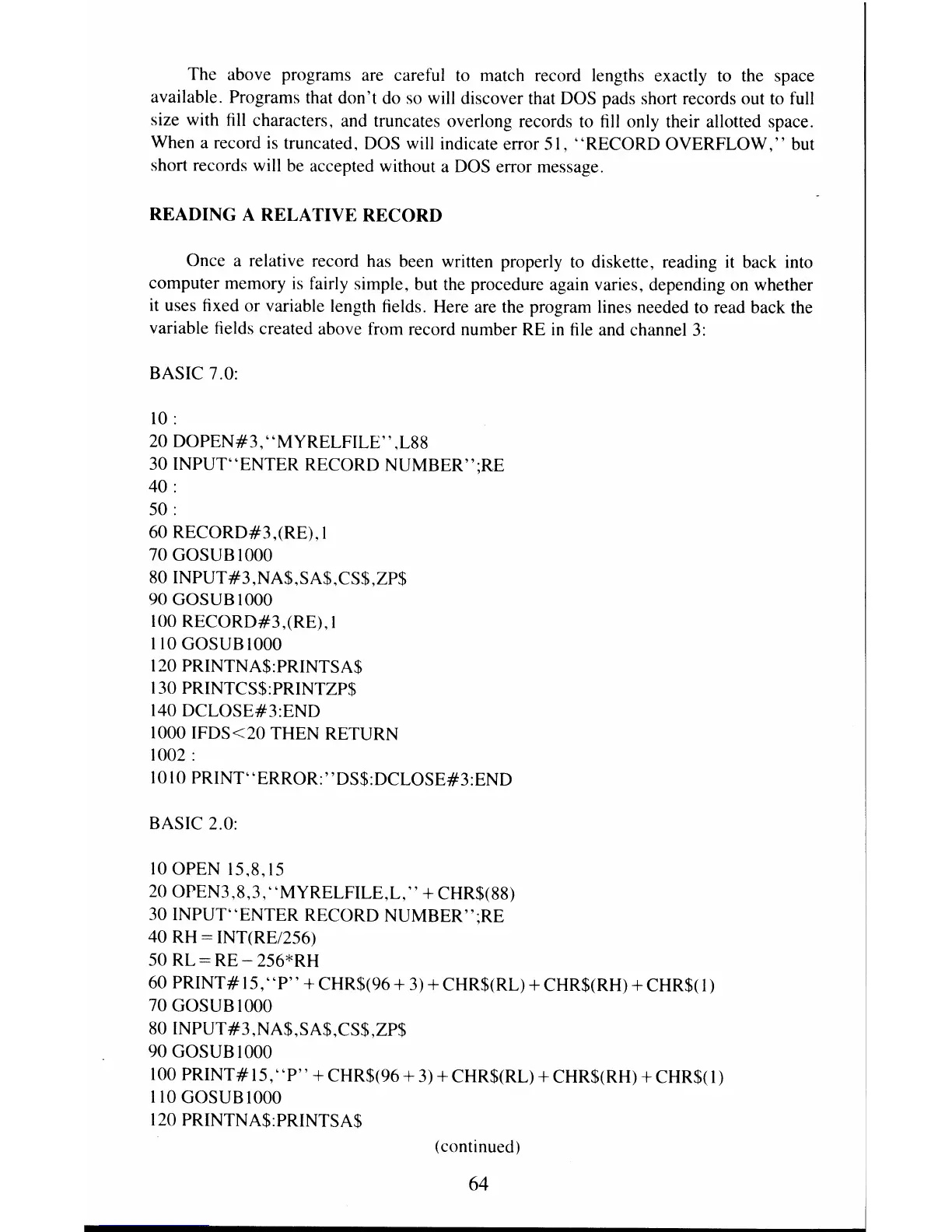
uses fixed or variable length fields. Here are the program lines needed to read back the
variable fields created above from record number
RE
in
file and channel
3:
BASIC 7.0:
10:
20
DOPEN#3,
"MYRELFILE"
,L88
30 INPUT"ENTER RECORD NUMBER";RE
40 :
50 :
60
RECORD#3,(RE).l
70
GOSUBIOOO
80INPUT#3,NA$,SA$,CS$,ZP$
90
GOSUBIOOO
100 RECORD#3,(RE), I
110 GOSUB 1000
120 PRINTNA$:PRINTSA$
130
PRINTCS$:PRINTZP$
140 DCLOSE#3:END
1000
IFDS<20
THEN RETURN
1002 :
10 10
PRINT"ERROR:"DS$:DCLOSE#3:END
BASIC 2.0:
10
OPEN 15,8,15
20 OPEN3,8,3,
"MYRELFILE,L,"
+ CHR$(88)
30 INPUT"ENTER RECORD NUMBER";RE
40 RH
= INT(RE/256)
50 RL
= RE - 256*RH
60
PRINT#
15,"
P"
+ CHR$(96 +
3)
+ CHR$(RL) + CHR$(RH) + CHR$( I)
70 GOSUB 1000
80INPUT#3,NA$,SA$,CS$,ZP$
90 GOSUB I 000
100
PRINT#15,
"P"
+
CHR$(96+
3)
+ CHR$(RL) + CHR$(RH) +CHR$(1)
110
GOSUBIOOO
120 PRINTNA$:PRINTSA$
(continued)
64



 To Next Page