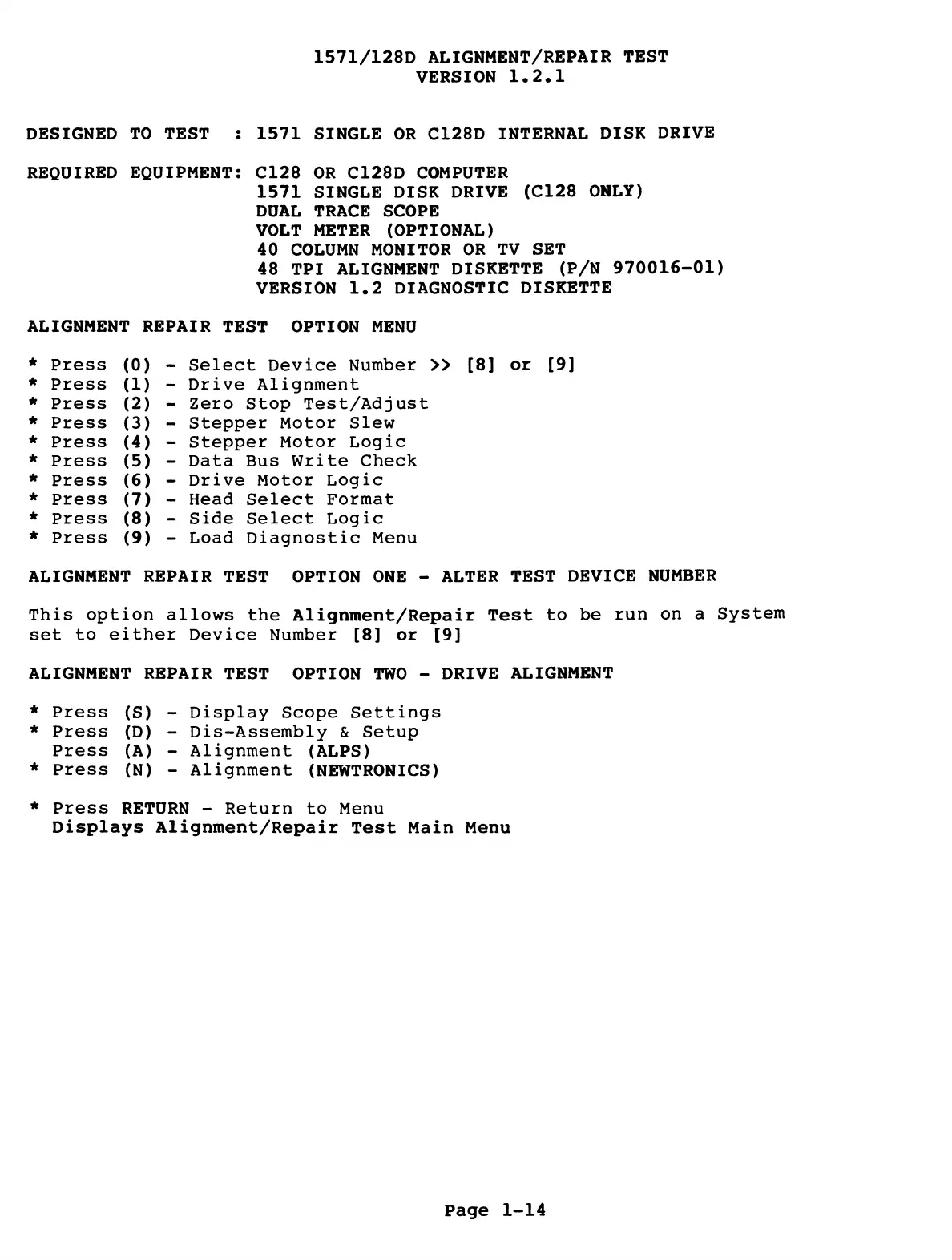
1571/128D ALIGNMENT/REPAIR TEST
VERSION 1.2.1
DESIGNED TO TEST : 1571 SINGLE OR C128D INTERNAL DISK DRIVE
REQUIRED EQUIPMENT: C128 OR C128D COMPUTER
1571 SINGLE DISK DRIVE (C128 ONLY)
DUAL TRACE SCOPE
VOLT METER (OPTIONAL)
40 COLUMN MONITOR OR TV SET
48 TPI ALIGNMENT DISKETTE (P/N 970016-01)
VERSION 1.2 DIAGNOSTIC DISKETTE
ALIGNMENT REPAIR TEST OPTION MENU
*
Press
(0)
*
Press
(1)
*
Press
(2)
*
Press
(3)
*
Press
(4)
*
Press
(5)
*
Press
(6)
*
Press
(7)
*
Press
(8)
*
Press
(9)
Select Device Number » [8] or [9]
Drive Alignment
Zero Stop Test/Adjust
Stepper Motor Slew
Stepper Motor Logic
Data Bus Write Check
Drive Motor Logic
Head Select Format
Side Select Logic
Load Diagnostic Menu
ALIGNMENT REPAIR TEST OPTION ONE - ALTER TEST DEVICE NUMBER
This option allows the Alignment/Repair Test to be run on a System
set to either Device Number [8] or [9]
ALIGNMENT REPAIR TEST OPTION TWO - DRIVE ALIGNMENT
* Press (S) - Display Scope Settings
* Press (D) - Dis-Assembly & Setup
Press (A) - Alignment (ALPS)
* Press (N) - Alignment (NEWTRONICS)
* Press RETURN - Return to Menu
Displays Alignment/Repair Test Main Menu
Page 1-14



 To Next Page