C128/C128D BASIC 7.0 COMMANDS
VERSION 1.2
The following are some of the most common Basic Commands used in the
operation of the C128 and C128D Computers. Also listed is a format
example of each command.
For more detailed operation commands, please refer to the C128 or
C128D System Guide.
+
----------------------
+
| COMMAND FUNCTION |
+ — — — — — — — — +
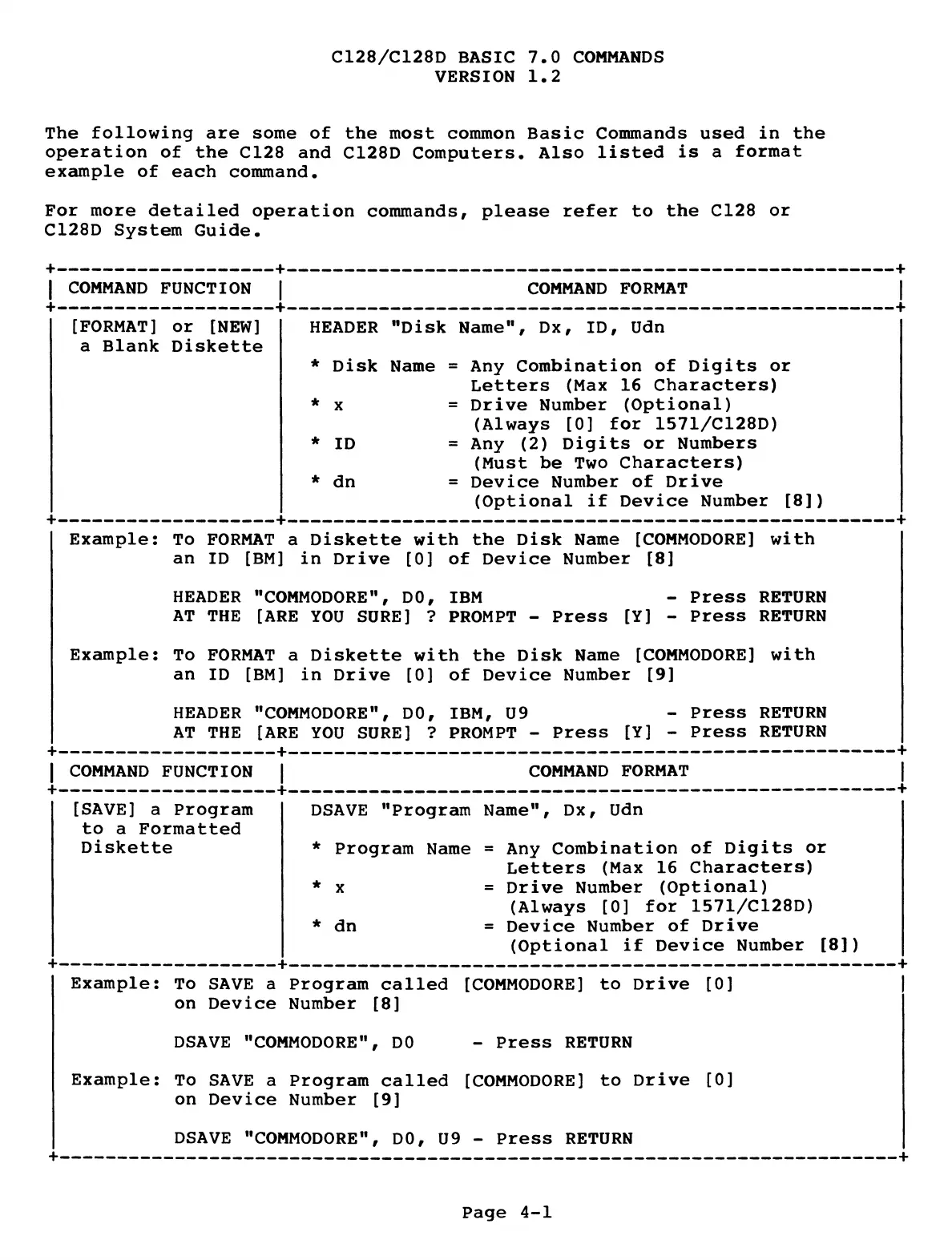
[FORMAT] or [NEW]
a Blank Diskette
-+
I
■+
COMMAND FORMAT
HEADER "Disk Name", Dx, ID, Udn
* Disk Name = Any Combination of Digits or
Letters (Max 16 Characters)
* x = Drive Number (Optional)
(Always [0] for 1571/C128D)
* ID = Any (2) Digits or Numbers
(Must be Two Characters)
* dn = Device Number of Drive
(Optional if Device Number [8])
"
----
--
--------------
h
--------------
-------------- --
------------------------
"
Example: To FORMAT a Diskette with the Disk Name [COMMODORE] with
an ID [BM] in Drive [0] of Device Number [8]
HEADER "COMMODORE", DO, IBM - Press RETURN
AT THE [ARE YOU SURE] ? PROMPT - Press [Y] - Press RETURN
Example: To FORMAT a Diskette with the Disk Name [COMMODORE] with
an ID [BM] in Drive [0] of Device Number [9]
HEADER "COMMODORE", DO, IBM, U9 - Press RETURN
AT THE [ARE YOU SURE] ? PROMPT - Press [Y] - Press RETURN
---------------------
-
-----------------------------------------------------------
COMMAND FORMAT
| COMMAND FUNCTION |
+
----------------------
+
[SAVE] a Program
to a Formatted
Diskette
DSAVE "Program Name", Dx, Udn
* Program Name = Any Combination of Digits or
Letters (Max 16 Characters)
* x = Drive Number (Optional)
(Always [0] for 1571/C128D)
* dn = Device Number of Drive
(Optional if Device Number [8])
-+
I
-+
Example:
To SAVE a Program called
on Device Number [8]
[COMMODORE]
to Drive
[0]
DSAVE "COMMODORE", DO
- Press RETURN
Example:
To SAVE a Program called
on Device Number [9]
[COMMODORE]
to Drive
[0]
DSAVE "COMMODORE", DO, U9 - Press RETURN
Page 4-1


 To Next Page
 Loading...






