EasyManua.ls Logo

Commodore 1581 - Inserting a Diskette; Using Pre-Programmed (Software) Diskettes

Commodore 1581
47 pages
Print Icon
To Next Page IconTo Next Page
To Previous Page IconTo Previous Page
Loading...
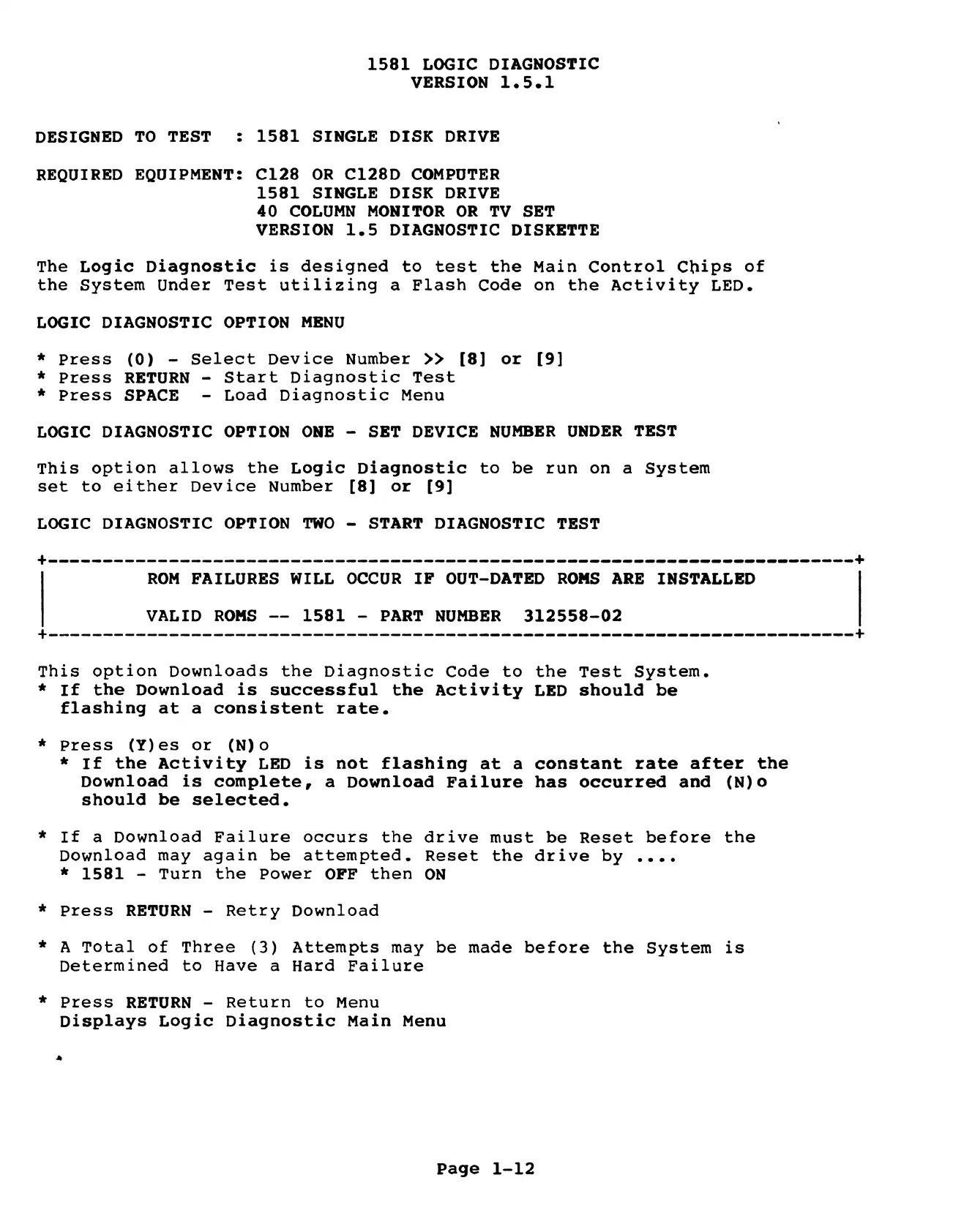
1581
LOGIC
DIAGNOSTIC
VERSION
1.5.1
DESIGNED
TO
TEST
:
1581
SINGLE
DISK
DRIVE
REQUIRED
EQUIPMENT:
C128
OR
C128D
COMPUTER
1581
SINGLE
DISK
DRIVE
40
COLUMN
MONITOR
OR
TV
SET
VERSION
1.5
DIAGNOSTIC
DISKETTE
The
Logic
Diagnostic
is
designed
to
test
the
Main
Control
Chips
of
the
System
Under
Test
utilizing
a
Flash
Code
on
the
Activity
LED.
LOGIC
DIAGNOSTIC
OPTION
MENU
*
Press
(0)
-
Select
Device
Number
>>
[8]
or
[9]
*
Press
RETURN
-
Start
Diagnostic
Test
*
Press
SPACE
-
Load
Diagnostic
Menu
LOGIC
DIAGNOSTIC
OPTION
ONE
-
SET
DEVICE
NUMBER
UNDER
TEST
This
option
allows
the
Logic
Diagnostic
to
be
run
on
a
System
set
to
either
Device
Number
[8]
or
[9]
LOGIC
DIAGNOSTIC
OPTION
TWO
-
START
DIAGNOSTIC
TEST
ROM
FAILURES
WILL
OCCUR
IF
OUT-DATED
ROMS
ARE
INSTALLED
VALID
ROMS
--
1581
-
PART
NUMBER
312558-02
This
option
Downloads
the
Diagnostic
Code
to
the
Test
System.
*
If
the
Download
is
successful
the
Activity
LED
should
be
flashing
at
a
consistent
rate.
*
press
(Y)es
or
(N)o
*
If
the
Activity
LED
is
not
flashing
at
a
constant
rate
after
the
Download
is
complete,
a
Download
Failure
has
occurred
and
(N)o
should
be
selected.
*
If
a
Download
Failure
occurs
the
drive
must
be
Reset
before
the
Download
may
again
be
attempted.
Reset
the
drive
by
....
*
1581
-
Turn
the
Power
OFF
then
ON
*
Press
RETURN
-
Retry
Download
*
A
Total
of
Three
(3)
Attempts
may
be
made
before
the
System
is
Determined
to
Have
a
Hard
Failure
*
Press
RETURN
-
Return
to
Menu
Displays
Logic
Diagnostic
Main
Menu
»
Page
1-12

Other manuals for Commodore 1581

Related product manuals