EasyManua.ls Logo

Commodore 1581 - Basic Hints; Save Command

Commodore 1581
47 pages
Print Icon
To Next Page IconTo Next Page
To Previous Page IconTo Previous Page
Loading...
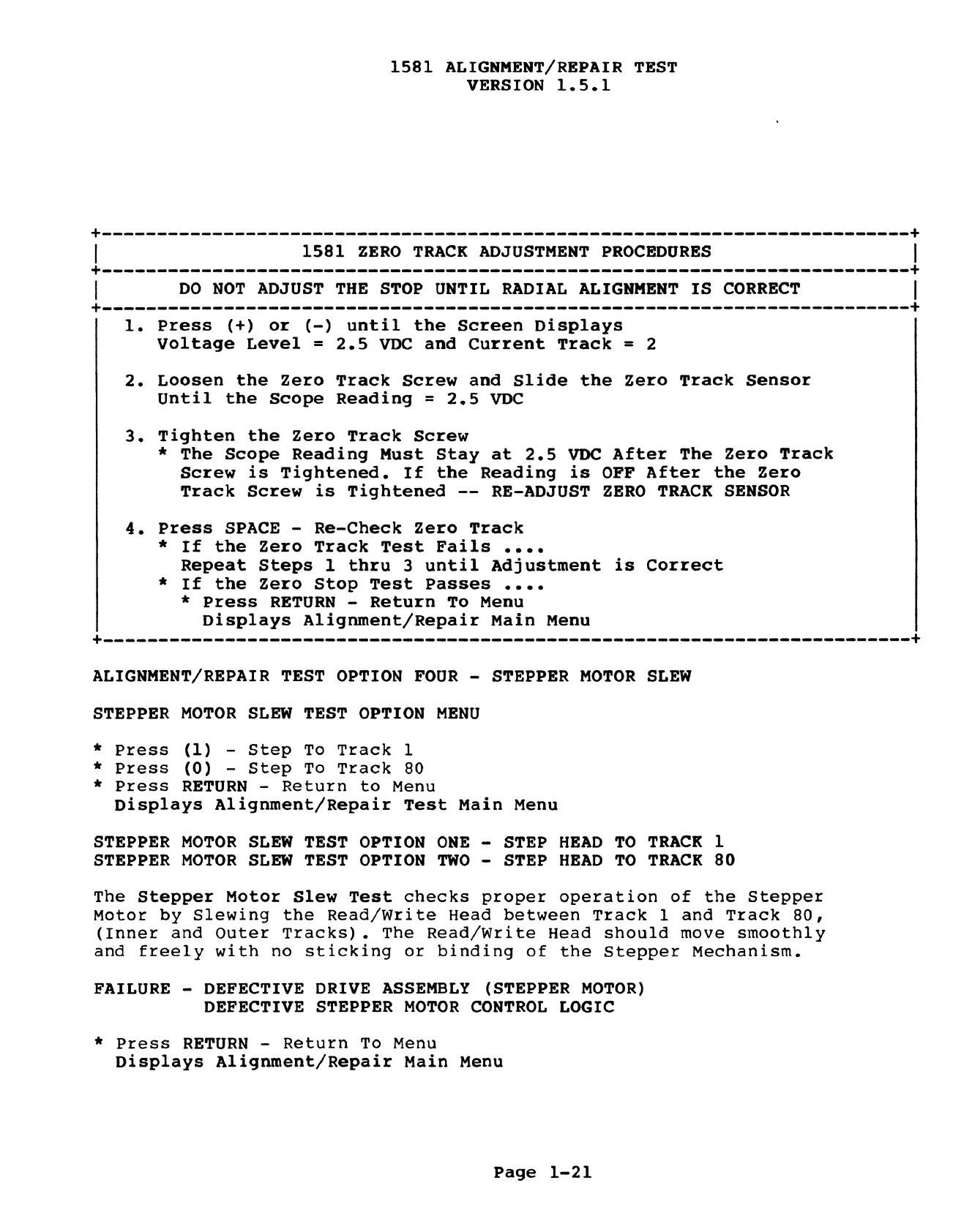
1581
ALIGNMENT/REPAIR
TEST
VERSION
1.5.1
1.
Press
(+)
or
(-)
until
the
Screen
Displays
Voltage
Level
=
2.5
VDC
and
Current
Track
=
2
2.
Loosen
the
Zero
Track
Screw
and
Slide
the
Zero
Track
Sensor
Until
the
Scope
Reading
=
2.5
VDC
3.
Tighten
the
Zero
Track
Screw
*
The
Scope
Reading
Must
Stay
at
2.5
VDC
After
The
Zero
Track
Screw
is
Tightened.
If
the
Reading
is
OFF
After
the
Zero
Track
Screw
is
Tightened
--
RE-ADJUST
ZERO
TRACK
SENSOR
4.
Press
SPACE
-
Re-Check
Zero
Track
*
If
the
Zero
Track
Test
Fails
....
Repeat
Steps
1
thru
3
until
Adjustment
is
Correct
*
If
the
Zero
Stop
Test
Passes
....
*
Press
RETURN
-
Return
To
Menu
Displays
Alignment/Repair
Main
Menu
ALIGNMENT/REPAIR
TEST
OPTION
FOUR
-
STEPPER
MOTOR
SLEW
STEPPER
MOTOR
SLEW
TEST
OPTION
MENU
*
Press
(1)
-
Step
To
Track
1
*
Press
(0)
-
Step
To
Track
80
*
Press
RETURN
-
Return
to
Menu
Displays
Alignment/Repair
Test
Main
Menu
STEPPER
MOTOR
SLEW
TEST
OPTION
ONE
-
STEP
HEAD
TO
TRACK
1
STEPPER
MOTOR
SLEW
TEST
OPTION
TWO
-
STEP
HEAD
TO
TRACK
80
The
Stepper
Motor
Slew
Test
checks
proper
operation
of
the
Stepper
Motor
by
Slewing
the
Read/Write
Head
between
Track
1
and
Track
80,
(Inner
and
Outer
Tracks).
The
Read/Write
Head
should
move
smoothly
and
freely
with
no
sticking
or
binding
of
the
Stepper
Mechanism.
FAILURE
-
DEFECTIVE
DRIVE
ASSEMBLY
(STEPPER
MOTOR)
DEFECTIVE
STEPPER
MOTOR
CONTROL
LOGIC
*
Press
RETURN
-
Return
To
Menu
Displays
Alignment/Repair
Main
Menu
Page
1-21

Other manuals for Commodore 1581

Related product manuals