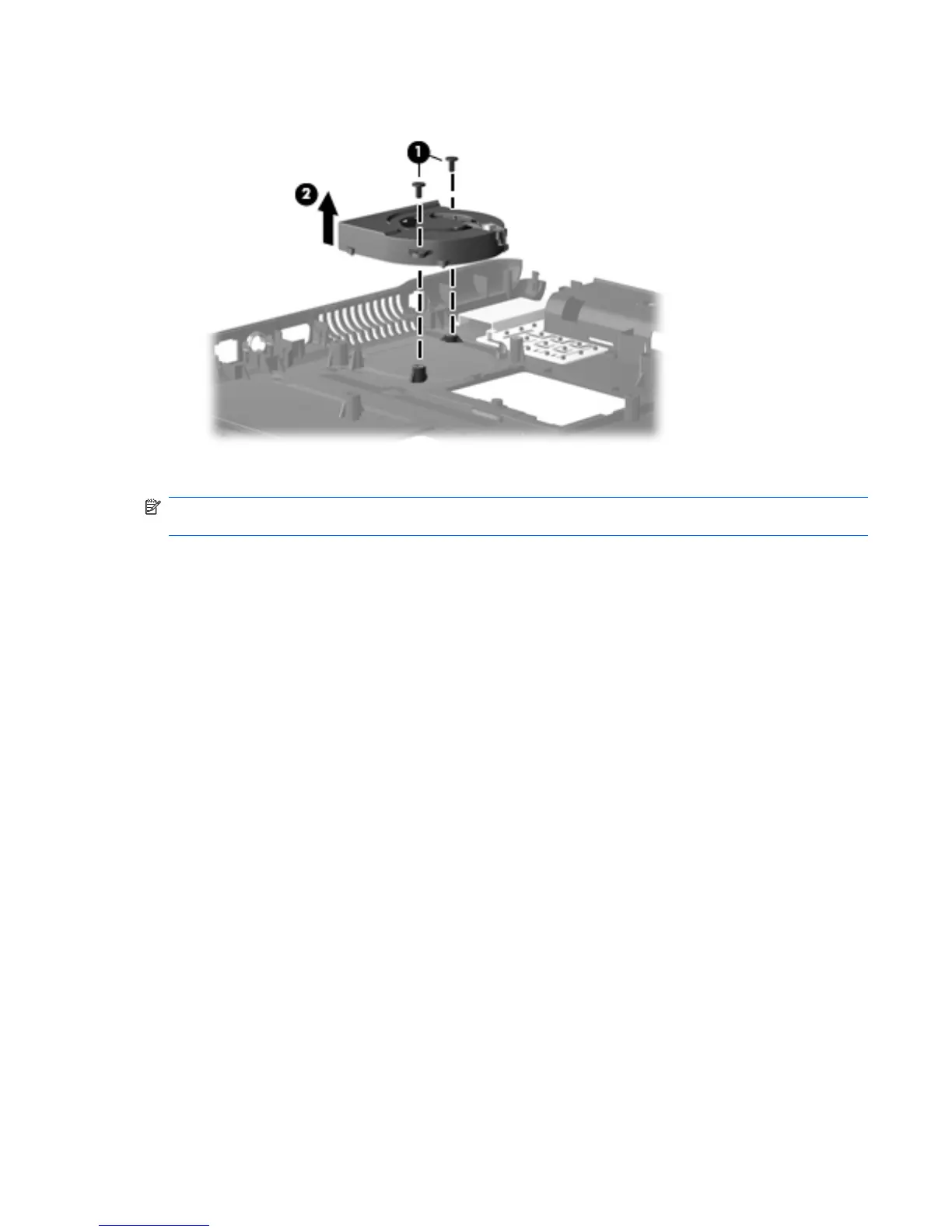
2. Remove the fan (2) from the base enclosure.
Reverse this procedure to install the fan.
NOTE: To properly ventilate the computer, allow at least a 7.6-cm (3-inch) clearance on the left side
of the computer.
The computer uses an electric fan for ventilation. The fan is controlled by a temperature sensor and is
designed to turn on automatically when high temperature conditions exist. These conditions are affected
by high external temperatures, system power consumption, power management/battery conservation
configurations, battery fast charging, and software requirements. Exhaust air is displaced through the
ventilation grill located on the left side of the computer.
Component replacement procedures 71





 To Next Page