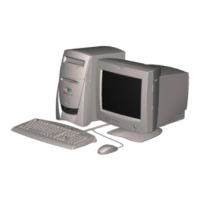
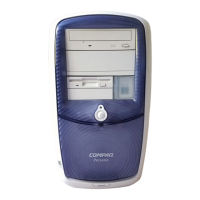
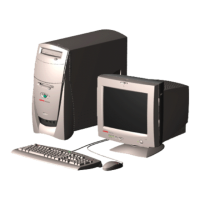
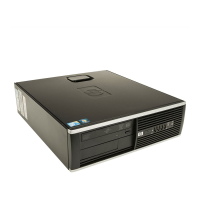
Compaq Presario Internet PC 5000 Series Computers
Removal and Replacement Procedures
PRODUCT DESCRIPTION TROUBLESHOOTING ILLUSTRATED PARTS CATALOG
REMOVAL AND REPLACEMENT
PROCEDURES
JUMPER AND SWITCH
INFORMATION
SPECIFICATIONS
Electrostatic
Discharge
Service
Considerations
Preparation for
Disassembly
Serial Number
Side Access Panel
Graphics Card
Expansion Card
(Modem or Network
Card)
1394 Card
Memory Module
Hard Drive
Disk Drive
Removing the Top
Door
Removing the CD
Storage Door
(Lower Front Panel -
Open the CD Storage
Door)
Optical and Mass
Removing the Memory Module
Removal
Perform the preparation
procedures.
1.
Pull outward on the release
latches
found on both
ends of the memory module.
2.
Lift the memory module
from the system board slot.
3.
Replacement
Ensure that the latches
on both ends of the memory
modules are pushed to the
outside.
1.
Align the memory module
with the memory slot.
2.
Push the module carefully
and firmly into the slot,
ensuring that the latches on
both ends snap into place.
3.

 To Next Page
 Loading...