24 Version 1.4
LCD Status Display
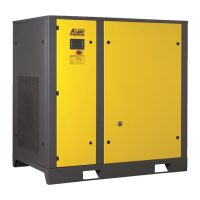
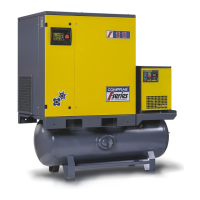
COMPRAG SCREW
AIR COMPRESSOR
The display screen will show as below after power on:
After 5 seconds, the menu will switch main compressor parameters:
TEMP: --°C
SYS STOP C01
Current temperature of the oil-air mixture
Current compressor working status
Press enter
.
PRES:--.-bar
SYS STOP C01
Current pressure at compressor air outlet
Current compressor working status
Select the menu options using the up
and down buttons and enter :
RUN PARAMETERS
Includes current values (available for viewing)
USAGE PARAM
Includes operating settings of the main parameters (available for
viewing, changes password-protected)
FACTORY PARAM
For servicing mode (view with password). Modication only possible
by manufacturer
ADJUST. PARAM
Basic settings and maintenance hour counter (view and change with
password). Modication only possible by distributor’s technical staff
Run parameters
These parameters apply only to the display of the current settings of the product.
RUN PARAMETERS
MOTOR M1 A-0.0
Current consumption per phase
B-0.0 C-0.0
TOTAL RUN TIME
Total operating hours (loaded and idle run time)
---h--m
Current value
TOTAL LOAD TIME
Total load hours
---h--m
Current value
THIS RUN TIME
Operating hours since last switched on (loaded and idle run time)
---h--m
Current value
THIS LOAD TIME
Load hours since last switched on
---h--m
Current value
OIL FILTER TIME
Operating time since last service
0110h
Current value


 To Next Page