MT series remote control intelligent turntable user guide
Copyright reserved by Shenzhen ComXim Technology Co., Ltd. 2017
28
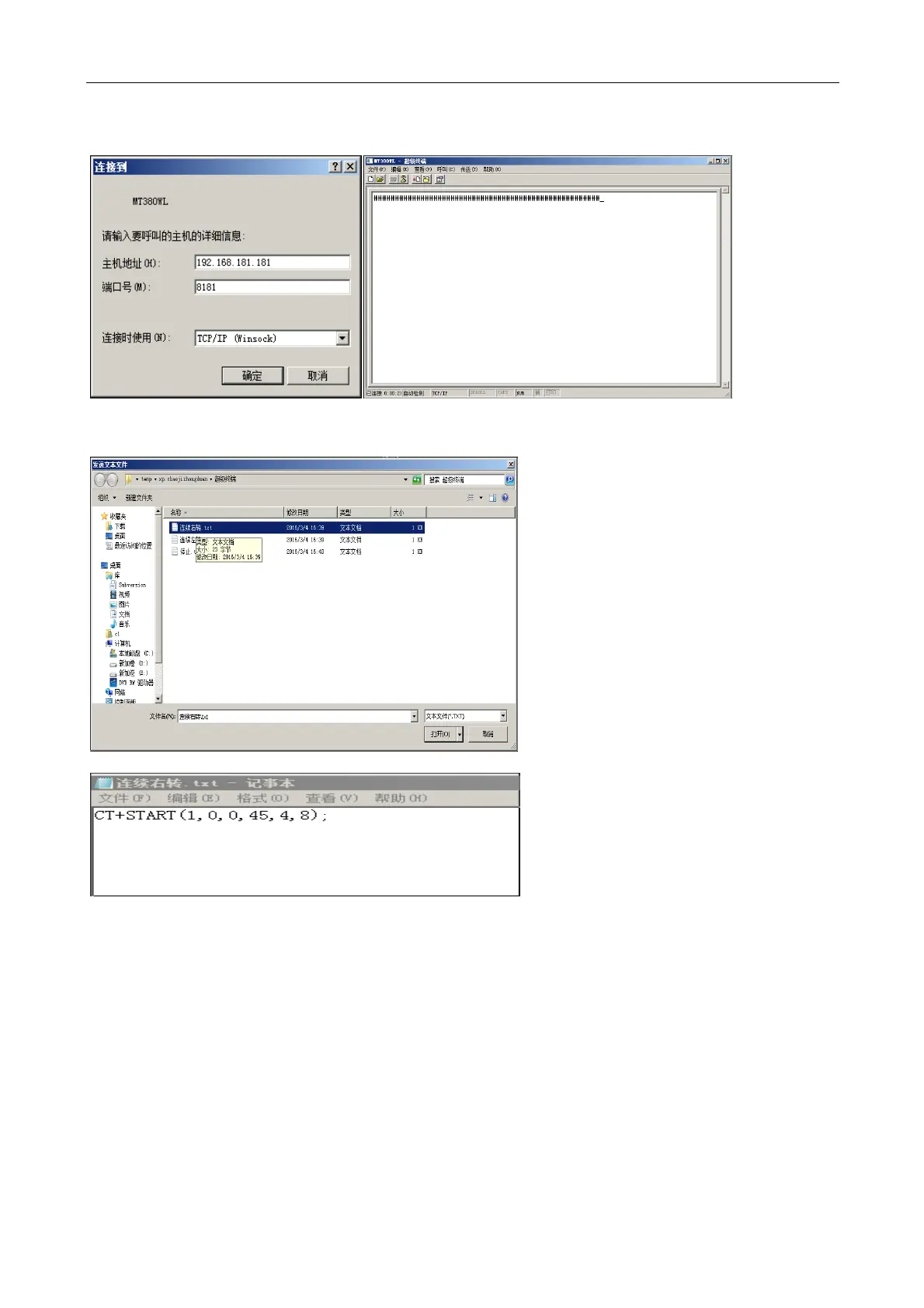
Step2: Input turntable IP address and port number. Connect to use: TCP/IP (WinSock), click ok. After the
connection, automatically receive the communication link from the character "# test turntable".
Step3: Send control commands to the turntable, the need to send the command to write in the text file, as
follows:
Step4: Click on the send text file to send commands to the turntable.



 To Next Page