DEEP LEARNING PLUS QUICK START GUIDE10
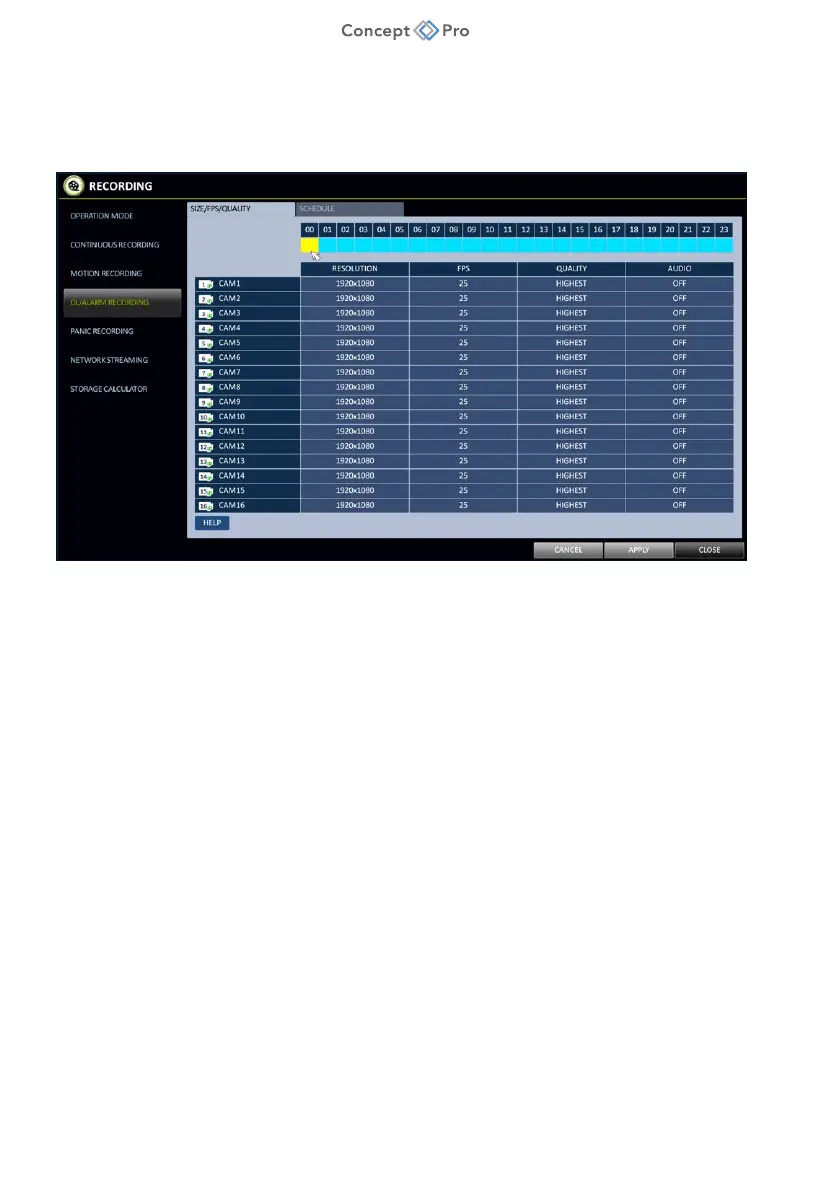
CONFIGURING ALARM/DEEP LEARNING EVENT RECORDING
Using DL PLUS to detect specific target objects based on custom deep learning-based detection rules
can result in reduced storage requirements for a CCTV system by only using the highest recording quality
(resolution, frame rate, quality, etc.) for Alarm/Deep Learning events and using lower quality recording
settings for other modes. To take advantage of this, please follow the steps below:
1. From the Concept Pro Video Recorder user interface, navigate to <MENU> - <RECORD
SETUP> - <DL/ALARM RECORDING> menu.
2. Click on the timeline bar on the top and drag for a desired time range.
3. Configure resolution, FPS, quality, and audio for any desired channels.
4. Navigate to <SCHEDULE> tab and click and drag a desired activation schedule for this
recording mode.
5. When all recording configuration is complete, click <APPLY>.



 To Next Page