DEEP LEARNING PLUS QUICK START GUIDE16
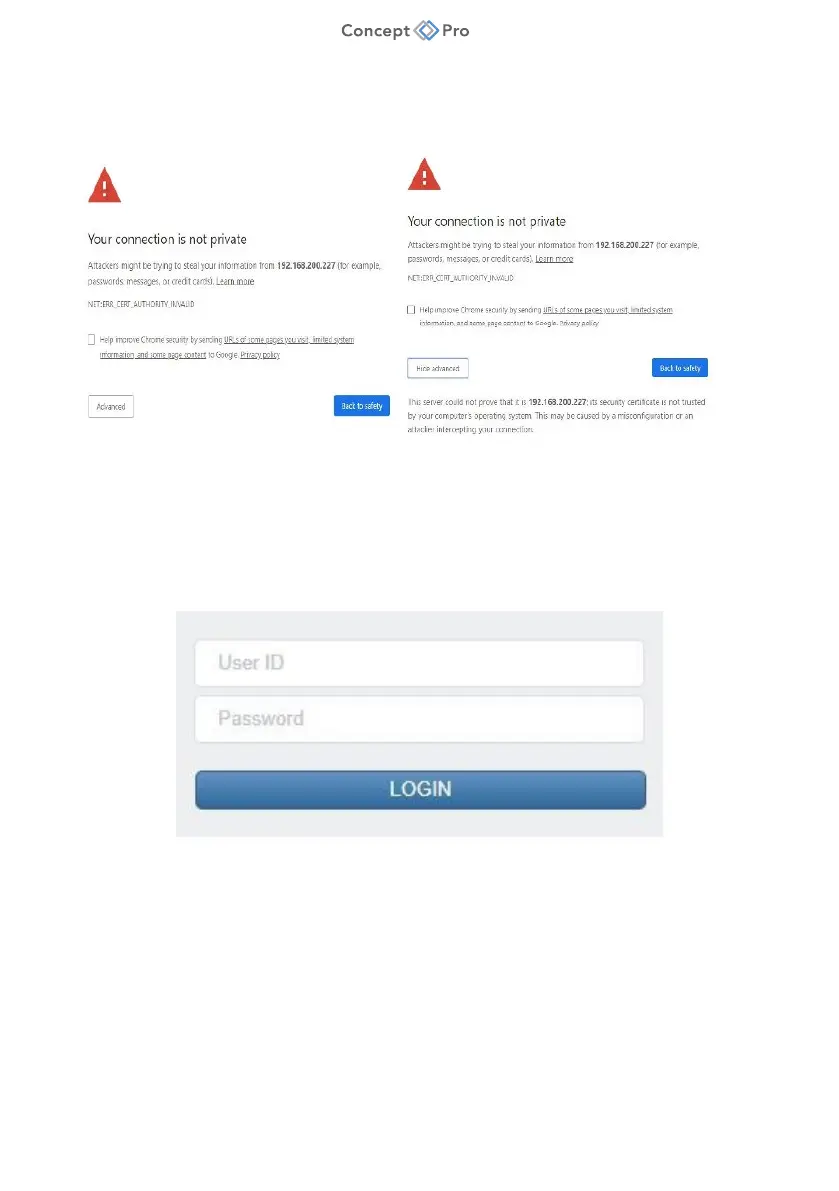
7. Note: Please click ‘Advanced’ button at the bottom and click ‘Go to(unsafe)’ button if you
see a security warning as shown below (unlike a portal site that uses a public certificate,
you may get a warning by using a private certificate). This is a completely safe procedure as
the user is only connecting to DL PLUS.
8. Enter the default user ID and password (ADMIN/1234). Input username and password in the
login window
9. Note: For security purposes, changing the default user ID and password to unique, complex
values is strongly recommended. This can be done from the <USER> menu in the web
interface.



 To Next Page