DEEP LEARNING PLUS USER MANUAL
54
VIDEO POPUP
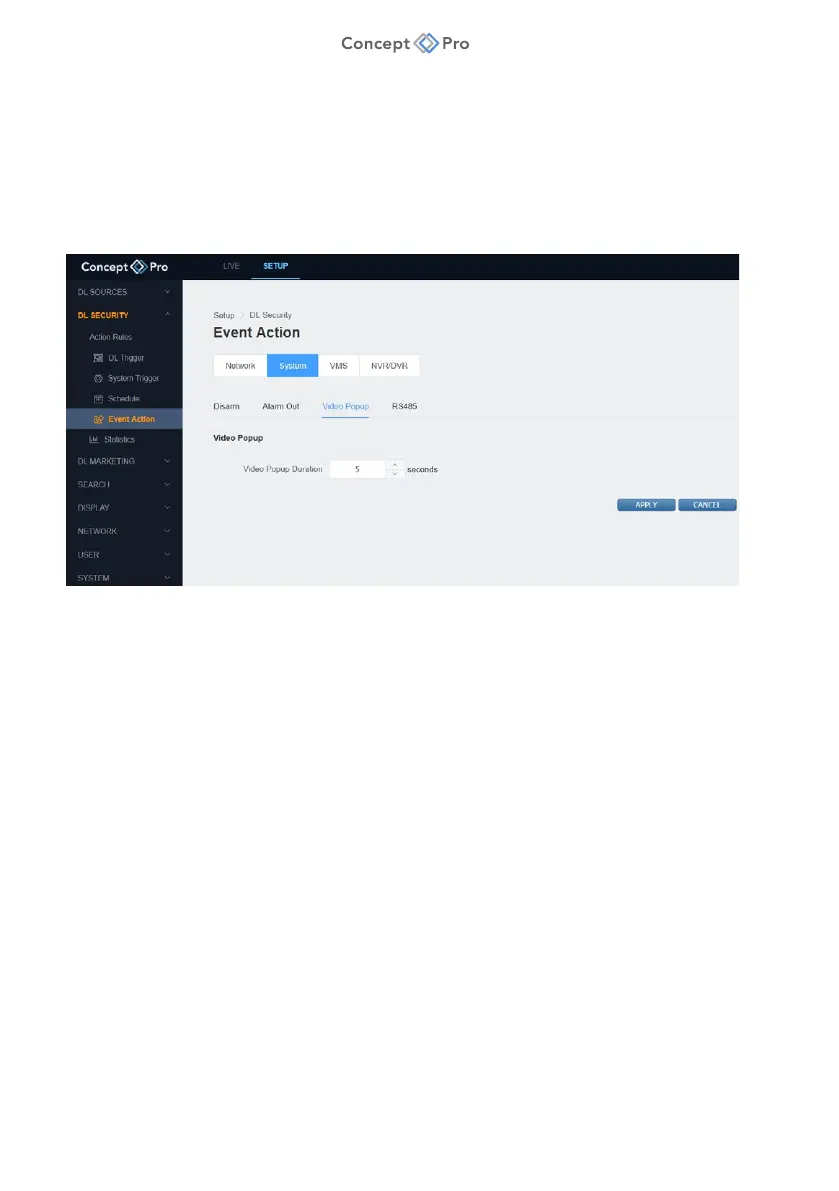
A Video Popup system event action opens the video source channel in full screen on the DL
PLSU web live view and HDMI live video output when an event is detected.
To configure a Video Popup Event Action, please follow the steps below:
1. From the <SETUP> tab, navigate to <DL SECURITY> - <EVENT ACTION> menu.
2. Select the <SYSTEM> - <VIDEO POPUP> tab.
3. Review and configure the Video Popup parameters shown:
a. Video Popup Duration: Set the time period for full screen video popup (1-60s).
4. When all parameters are configured, click <APPLY> to save the settings.



 To Next Page