English
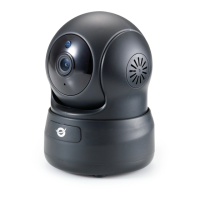
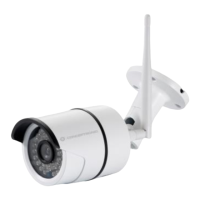
Conceptronic CIPCAMPTIWL
Get ready for camera
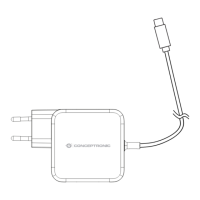
Connect the power adapter into your camera.
Note: Please use the power adapter attached with
camera, in order to avoid damage the camera.
Android / iOS Phone Application
Search and download “Cam Viewer1”
from Google Play or APP Store.
Wireless Setup (App)
1~3: Click “Camera” at the bottom; go to “Add Camera”
“Add cameras via WiFi configuration guide”.


 To Next Page
 Loading...