English
5: Name the camera.
6: The default username is “admin”; password is
“123456”.
7~10: Click “Next” to fill in Wi-Fi SSID and Password, then
click “Confirm”. You will hear a sequence of beeps. After
successful configuration, refresh camera list, the camera
will be online. You can view the video after successful
adding camera.
Note:
- Please make sure your smartphone is connected to Wi-
Fi.
- Please put your smartphone within 1 meter distance
from the camera.
- Please do the configuration setting in 5 minutes after the
camera gets started. If it exceeds 5 minutes, please
power up the camera again.
- Please reset the camera if fails to connect. (Hold the
Reset button for 10 seconds)
Wireless Setup (WPS/QSS)
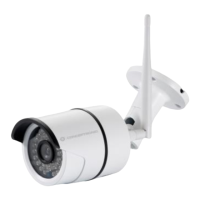
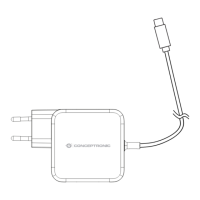
Connect the power adapter into the camera and wait for
1 minute, then hold the Reset button for 3 to 5 seconds.
Click “WPS/QSS” button on the router (if router supports
WPS/QSS function), the WI-FI will be configured
between camera and router by WPS/QSS protocol.
The blue LED light of the camera will flash quickly after
successful configuration, then red LED light will be always
ON.



 To Next Page
 Loading...