English
Recording:
In Music Mode: Connect a storage device (USB/TF card) and press Mode button to
enter AUX mode. Press Record button to start recording. The length of recording
time is limited by the storage capacity.
Via External Microphone: Connect a storage device (USB/TF card). Press Record
button to start recording. The length of recording time is limited by the storage
capacity. During recording, turn the “-ECHO+” knob to the minimum. The
microphone should be located a proper distance away from the speaker to
prevent any howlround or noise.
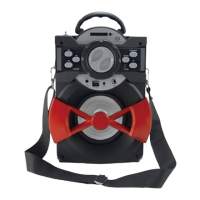
Enjoy the use of your Conceptronic Wireless Bluetooth Speaker!


 To Next Page
 Loading...