ENGLISH
Get ready for camera
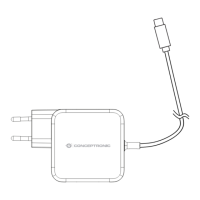
Connect the power adapter into your camera.
Note: Please use the power adapter attached with
camera, in order to avoid damage the camera.
Android / iOS Phone Application
Search and download “AJCloud” from Google Play or APP
Store.
Camera Status Indicator Light
Red and blue light alternately
flashing
Camera is connecting Wi-Fi
Succeeded to connect Wi-Fi
Red light quickly flashing
1. Reset camera to factory
setting
2. Camera is upgrading firmware
Note: Please make sure your router is connected to the Internet.
Wireless Setup


 To Next Page